PDF to line-side video
The instruction, shown at the station.
Turn paper and PDF work instructions into clear, visual step-by-step videos operators can follow at the line, in any language and kept in sync.










The instruction, shown at the station.
Each operation in sequence, at working pace.
The document and video update together.
One standard method for every operator.
The work instruction is laminated, posted, and ignored — operators learn from whoever trained them, and every station develops its own method.
Four steps. A video ready to send in minutes — no editing timeline, no video team.
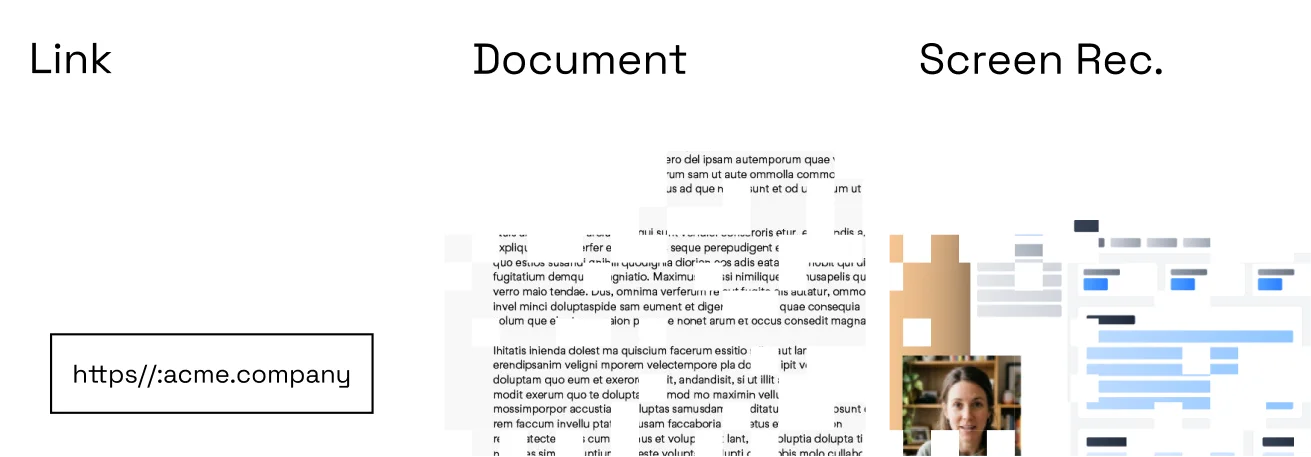 01
01Record your screen, paste a URL, upload a deck, or type the script and let Momo turn text into video.
 02
02Clone your voice once; every video is narrated in your voice — no filming, no re-records.
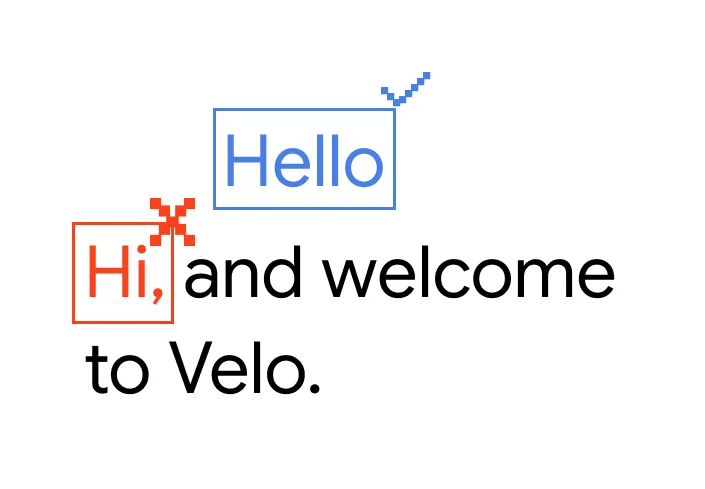 03
03Filler-word cuts, steadied cursor, zooms on key steps, captions, and brand styling applied automatically.
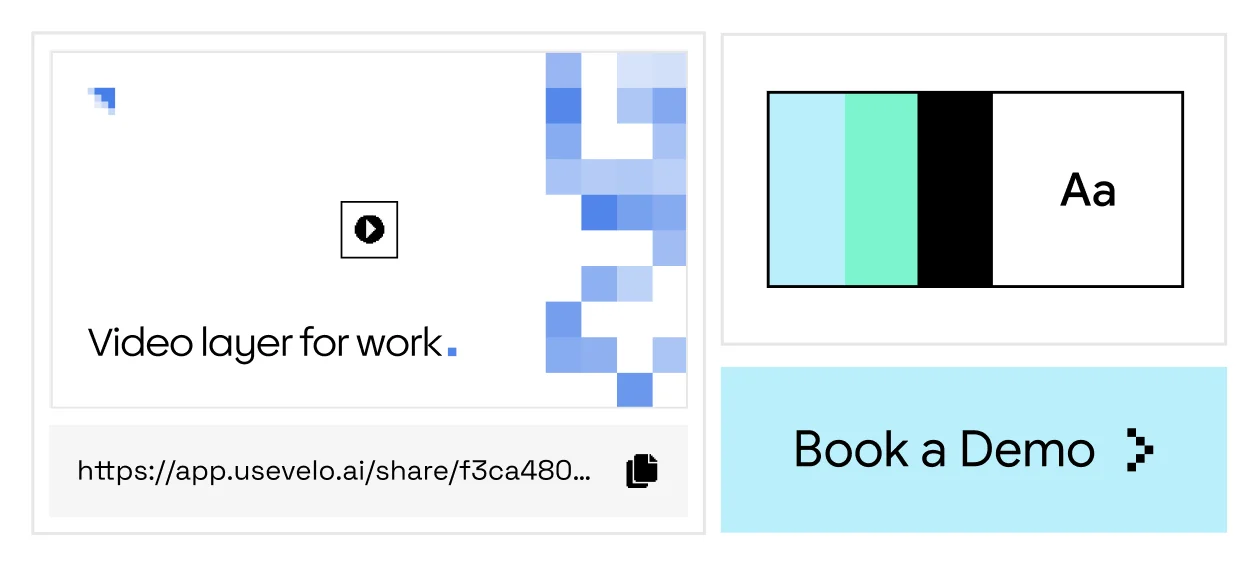 04
04Share a branded link in email, docs, or your help center — with a CTA and a written companion, in every language.
No recording yet? Type or describe the workflow — Momo writes the script, generates the video, and voices it in the language you choose.
Momo isn't a screen recorder you fix in post — it's the video layer that turns your knowledge into clear, reliable video, in your voice and your audience's language, kept current as things change.
Start from a screen recording, a document, a URL, or a typed script. Momo structures the content, writes the narration, and builds a polished video — no editing timeline required.
No. Clone your voice once and Momo narrates every video for you, or use a stock narration voice. There is no camera requirement.
Yes. Translate the script and regenerate the narration in any supported language — one source, localized versions.
Edit the script or the source material and regenerate. There is no re-recording or re-editing; the written companion updates with the video.
Yes. Every shared link includes viewer analytics, so you can see plays and watch-through on hosted videos.