

Input: the raw take
Screen recording polish
Turn any screen recording into a clean, narrated video.
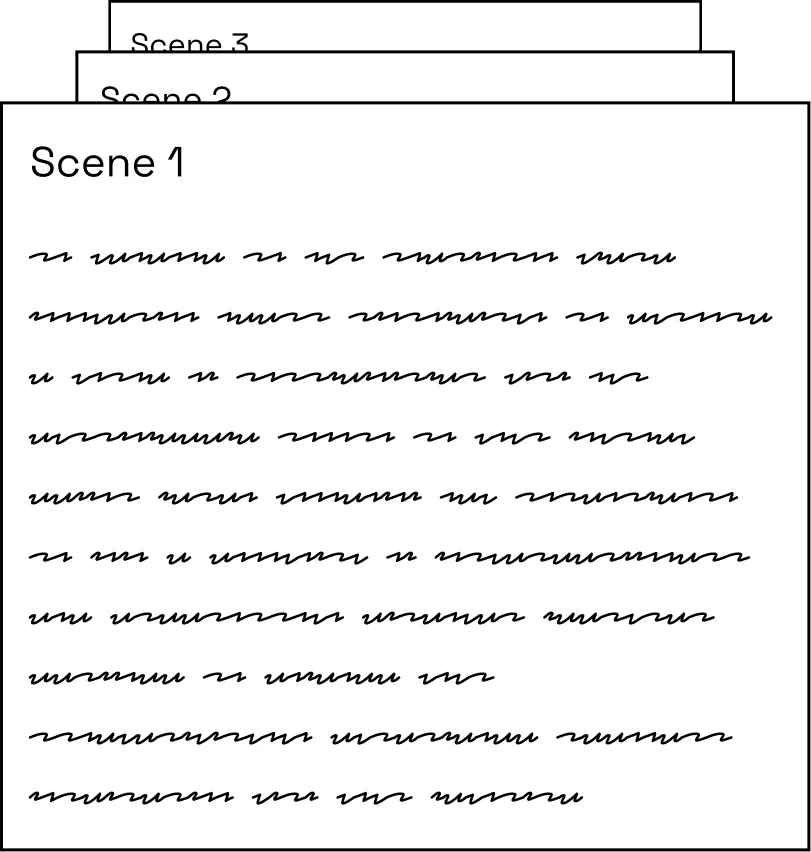
Momo cleans up a raw screen recording automatically with smart zooms, a smooth cursor, dead air removed, and an AI-written script.










Output: the polished video
From rough take to release-ready, in four steps
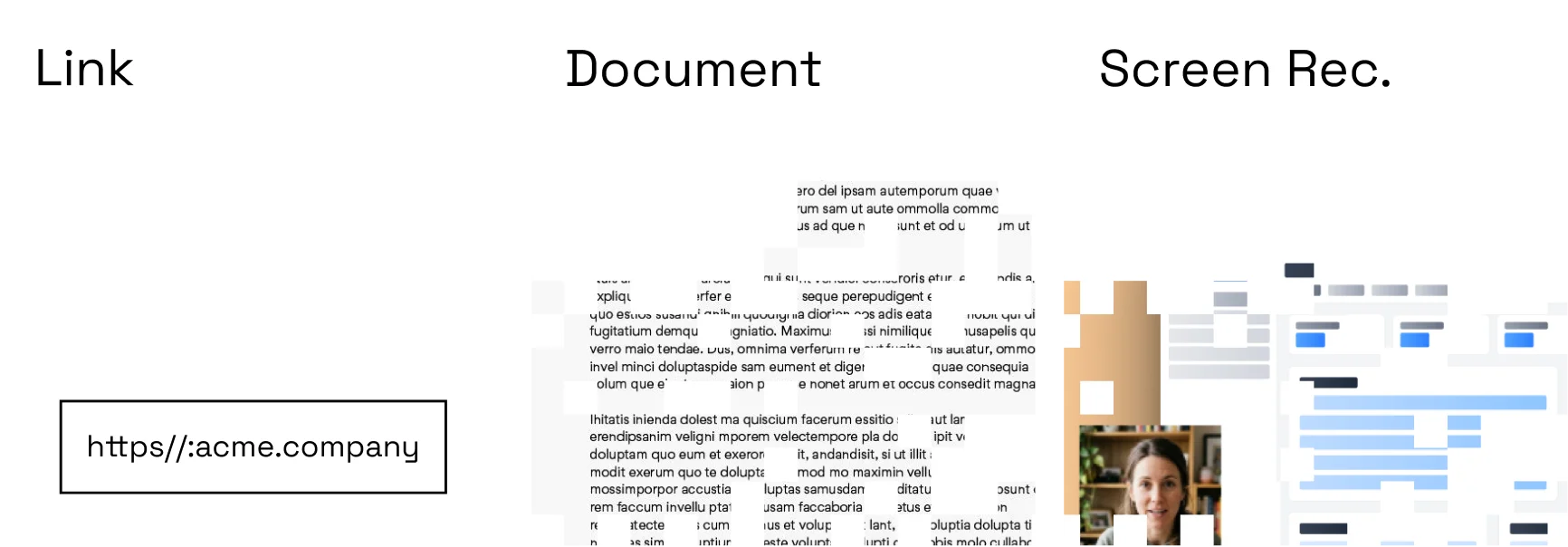
Capture naturally
Record the workflow without trying to perform a perfect take.
Let Momo clean it up
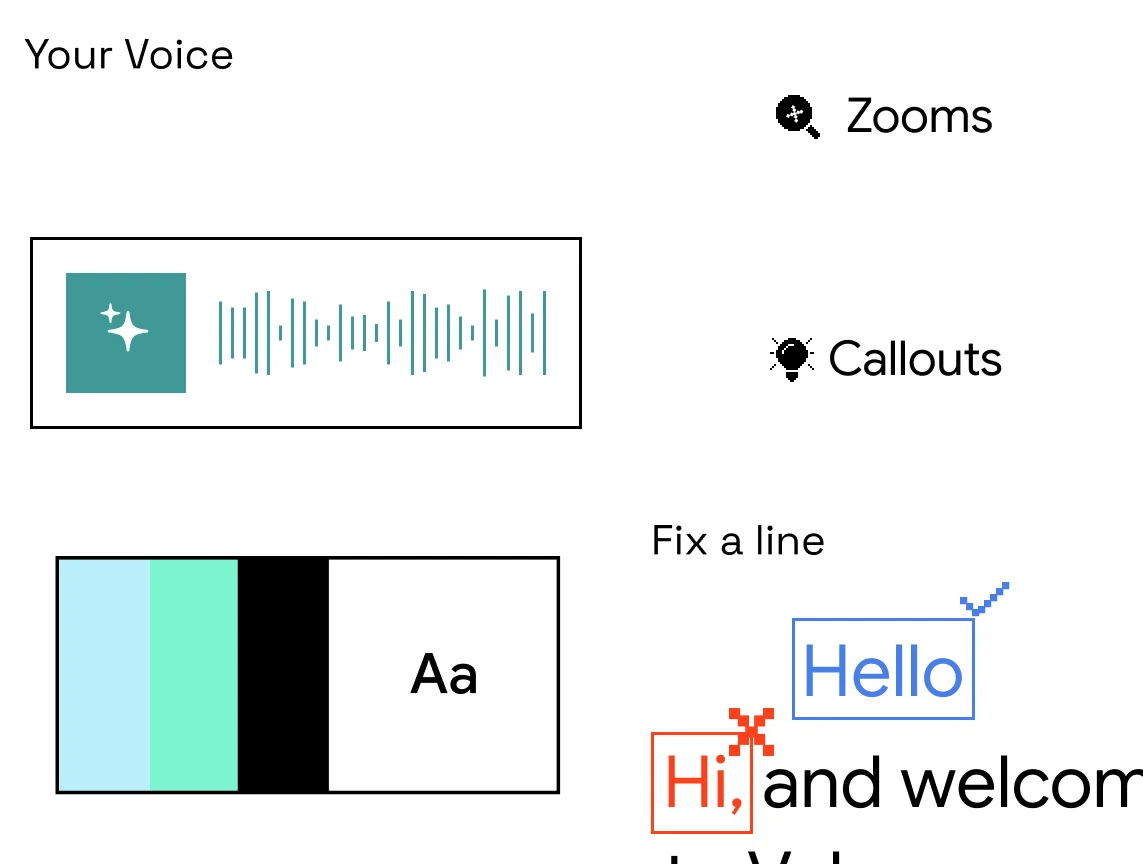
Remove dead time and apply focus, pacing, and visual treatments.
Make final adjustments
Review every change in the editor before publishing.
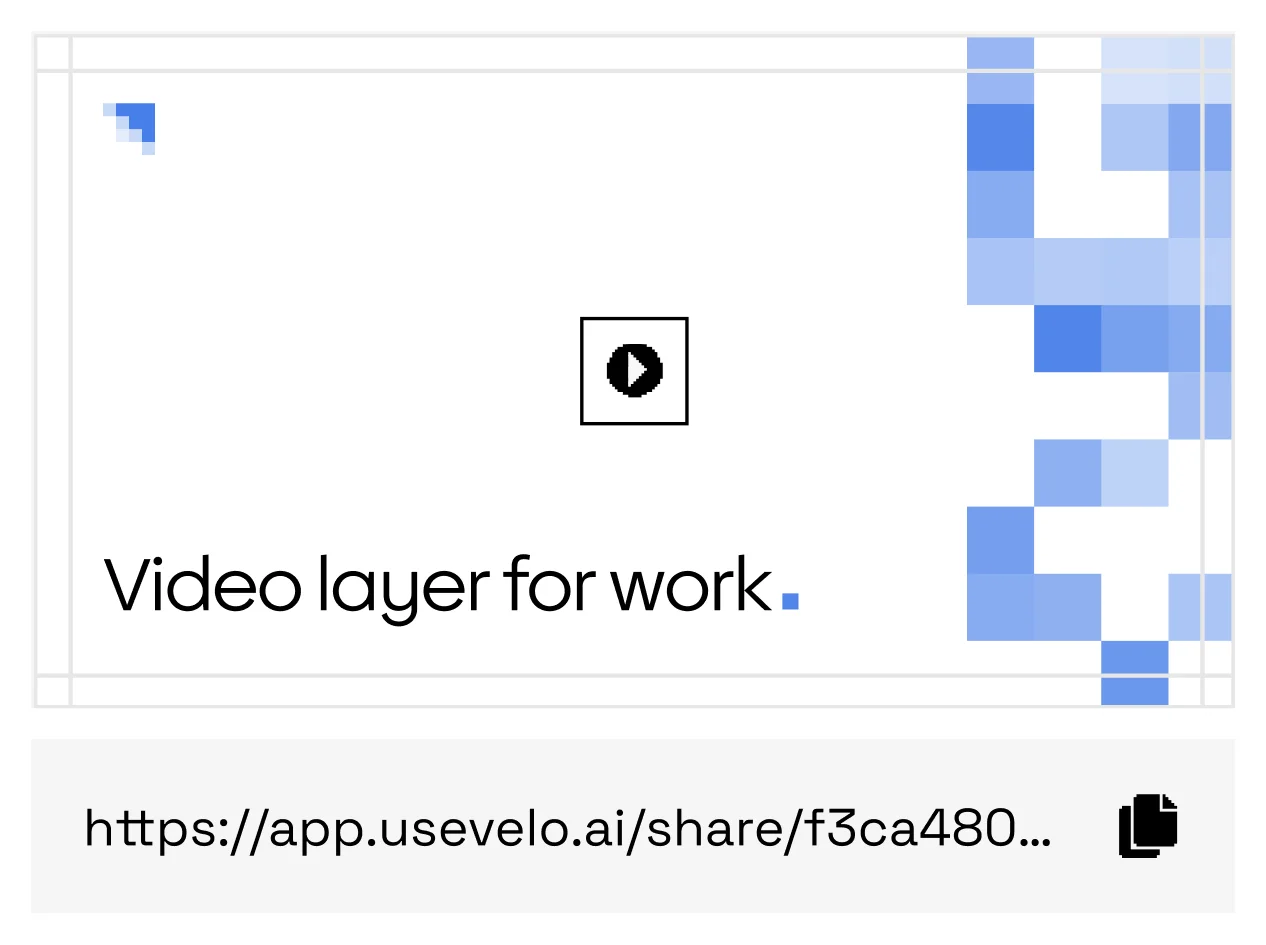
Publish anywhere
Share a hosted link or export the file with brand treatments applied.
Where a rough recording isn’t enough
Async updates
Send a clean take instead of booking a meeting.
Product demos
Rough captures leave looking deliberate and on-brand.
Bug reports
Show the issue with focus and pacing that respect reviewers.
Customer answers
Reply with a polished walkthrough in minutes.
Automatic focus
Use zooms and cursor emphasis to keep attention on the right action.
Cleaner pacing
Trim pauses and repeated moments while preserving meaning.
Other recorders capture. Momo finishes.
Keep the speed of screen recording without shipping the rough take: zooms, pacing, brand treatments, and a script, applied automatically and reviewed by you.
FAQs
Can I keep my original audio?+
Yes. You can keep, replace, or mix the original track with generated narration.
Are edits reversible?+
The editor keeps the source capture available while you review the polished version.