

Input: your slide deck
Q3 product deck.pdf
24 slides · uploaded to Momo
Turn any PDF, PowerPoint, or slide deck into a narrated video. Momo writes the script and speaks it in your voice — no recording, no editing.










Input: your slide deck
Output: a narrated video
Upload a PDF or deck, paste a URL, or bring in screenshots and notes.
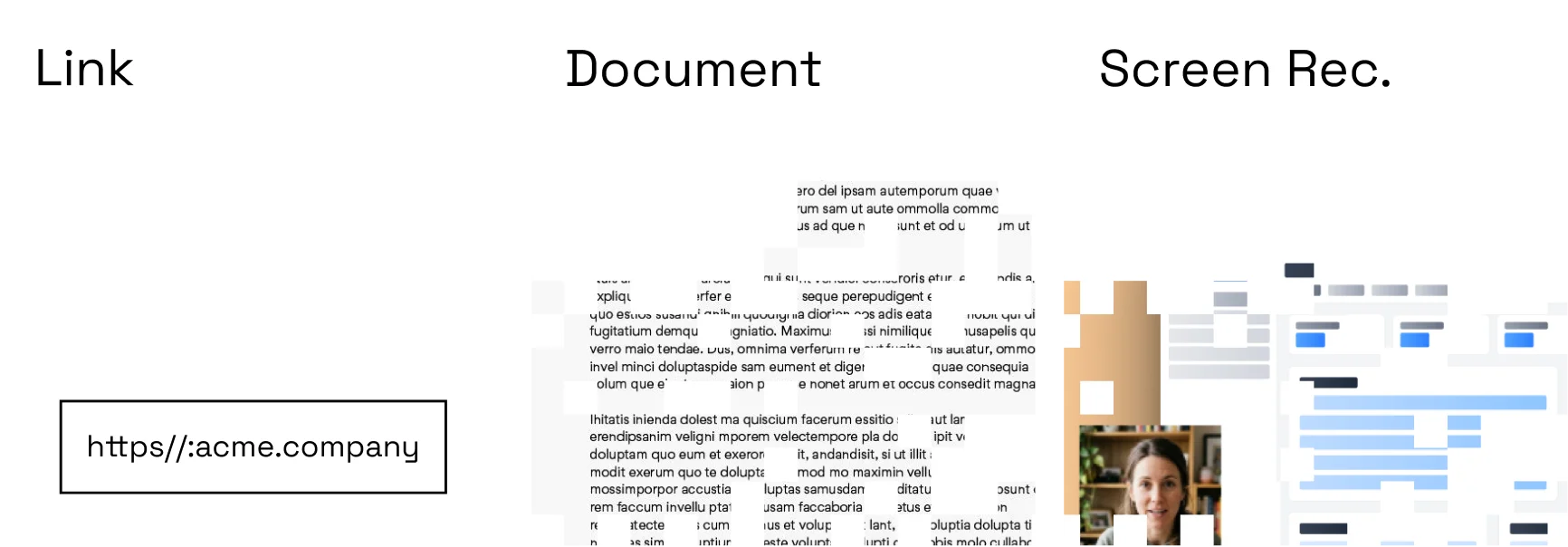
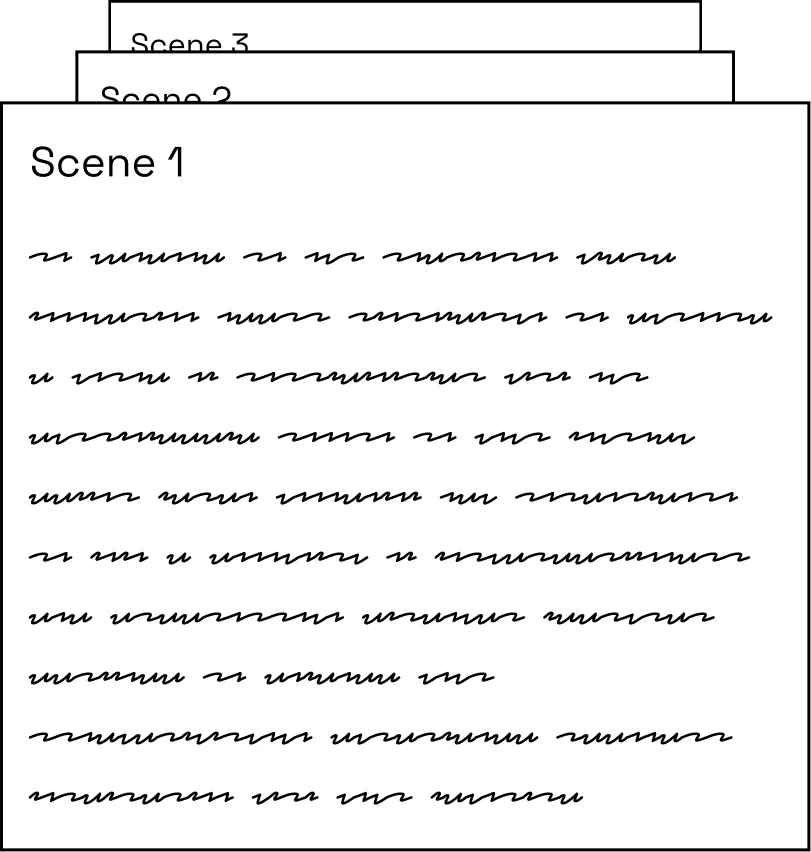
Momo extracts the important points and proposes a concise sequence.
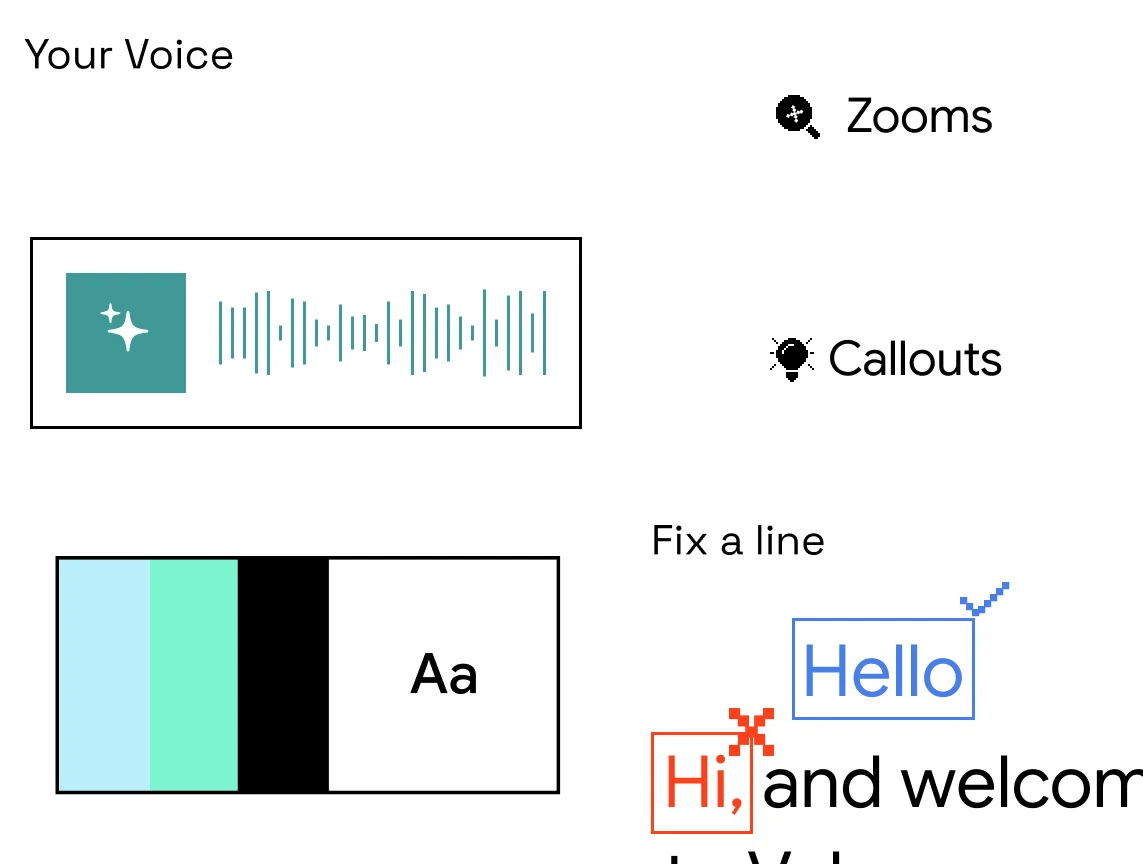
Adjust the script, voice, visuals, and brand before sharing one link.
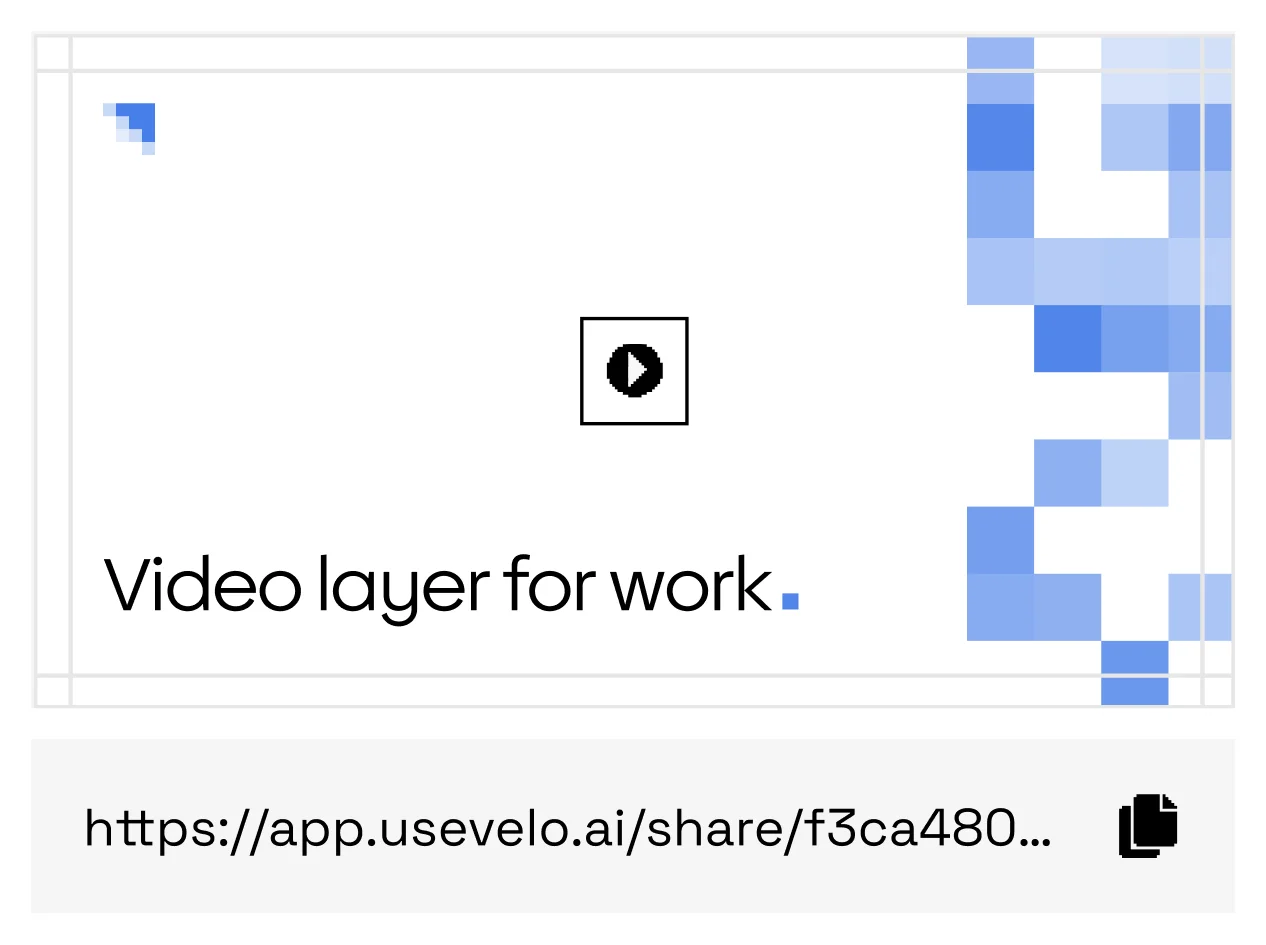
Publish a hosted, captioned video and send the same link everywhere.
Turn the launch deck into a walkthrough prospects can replay.
Course decks become narrated lessons people actually finish.
Welcome packets play as guided tours, not attachments.
Strategy docs become short briefings the whole team watches.
Scripts stay connected to the source material you approved.
Choose an AI voice or use a voice profile from your workspace.
Other tools export slides. Momo explains them.
Momo reads the approved source, writes the narration, and renders a finished video — moving from static material to a clear walkthrough without storyboarding every frame.
Momo is designed for PDFs, slide decks, screenshots, written notes, and public or authenticated web pages.
Yes. Every scene, line of narration, caption, and visual can be reviewed before publishing.