

A silent screen recording
AI narration
Record without saying a word.
Add a voiceover without recording your voice. Momo watches a silent screen recording, writes the script, and adds the narration for you.










The same video, scripted and voiced
From silent capture to finished narration
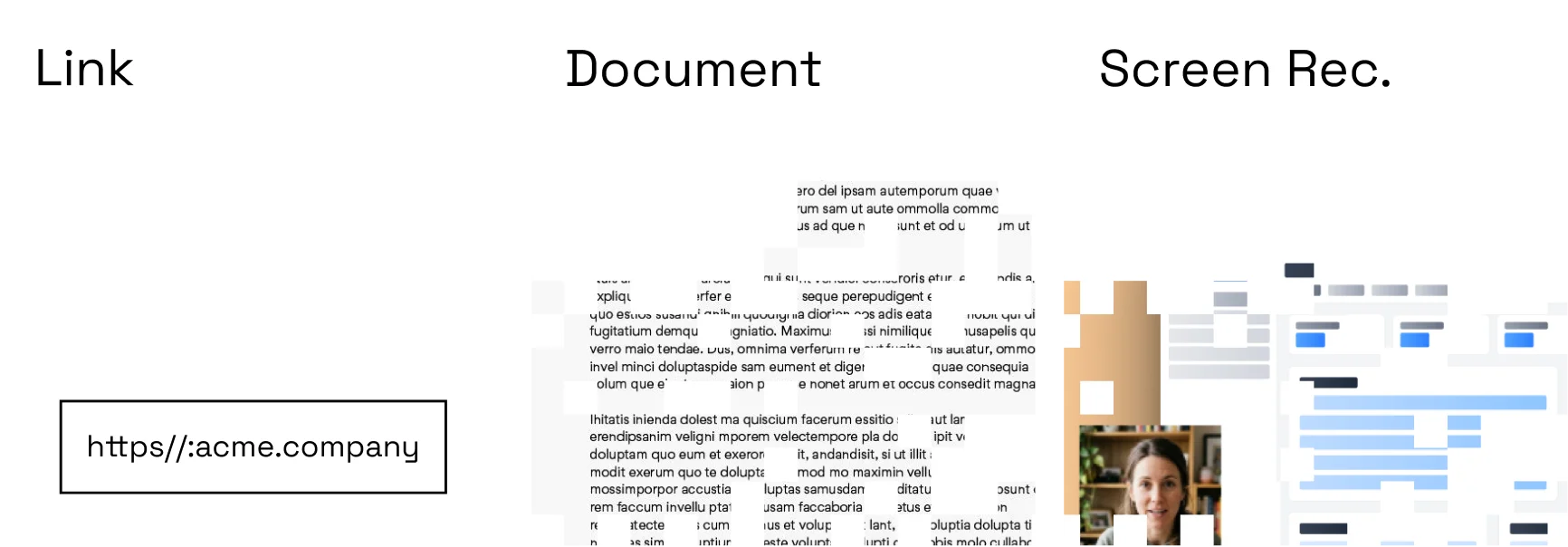
Start with a script
Write your own, import notes, or let Momo draft from the source video.
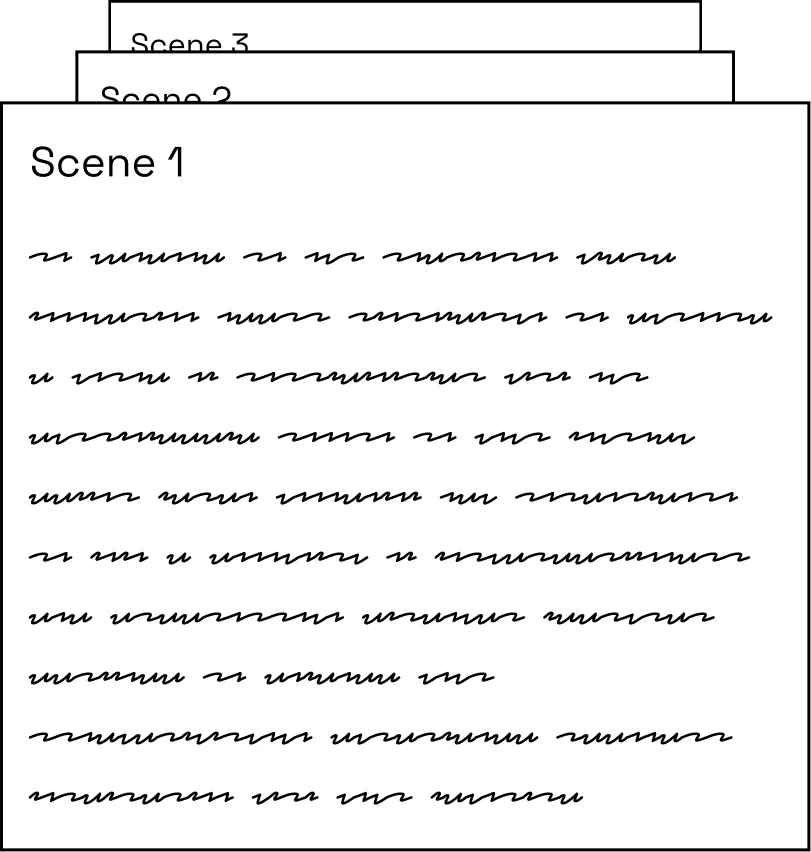
Choose a voice
Use a workspace voice, an AI voice, or an authorized custom voice profile.
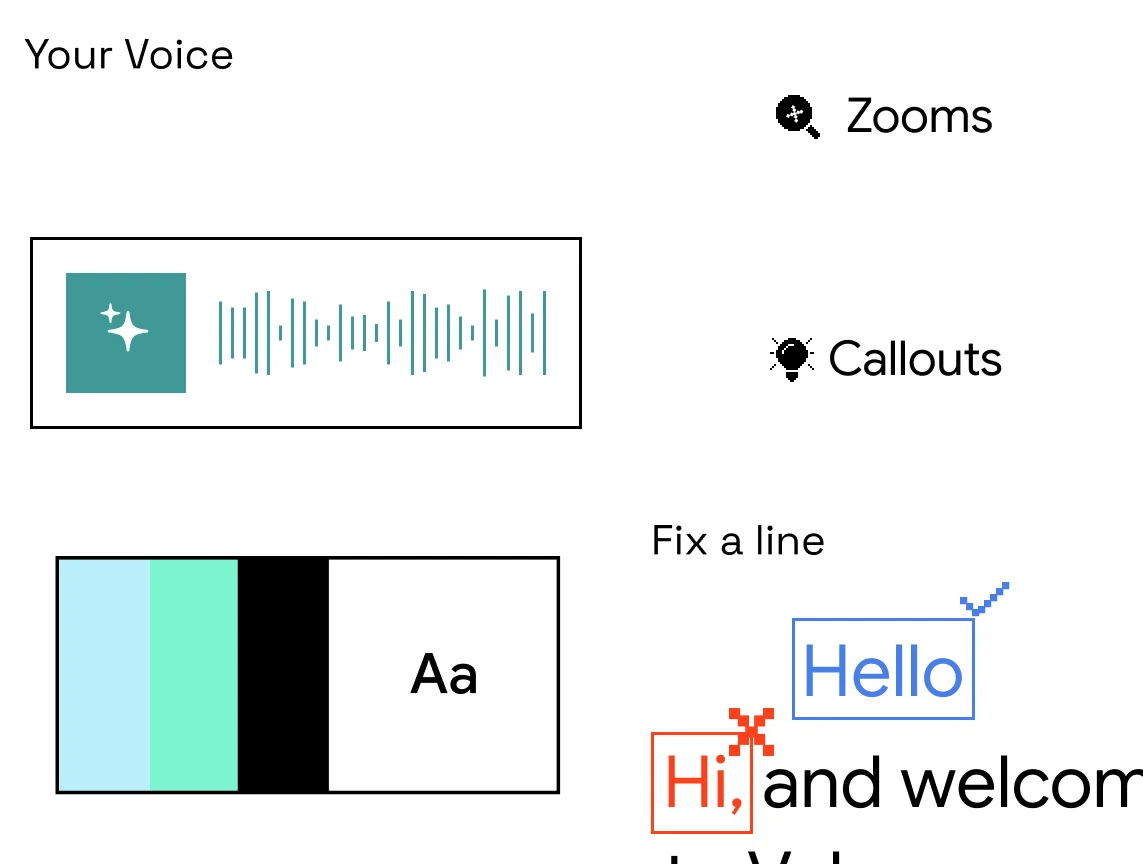
Sync and refine
Momo aligns timing, captions, pauses, and emphasis with every scene.
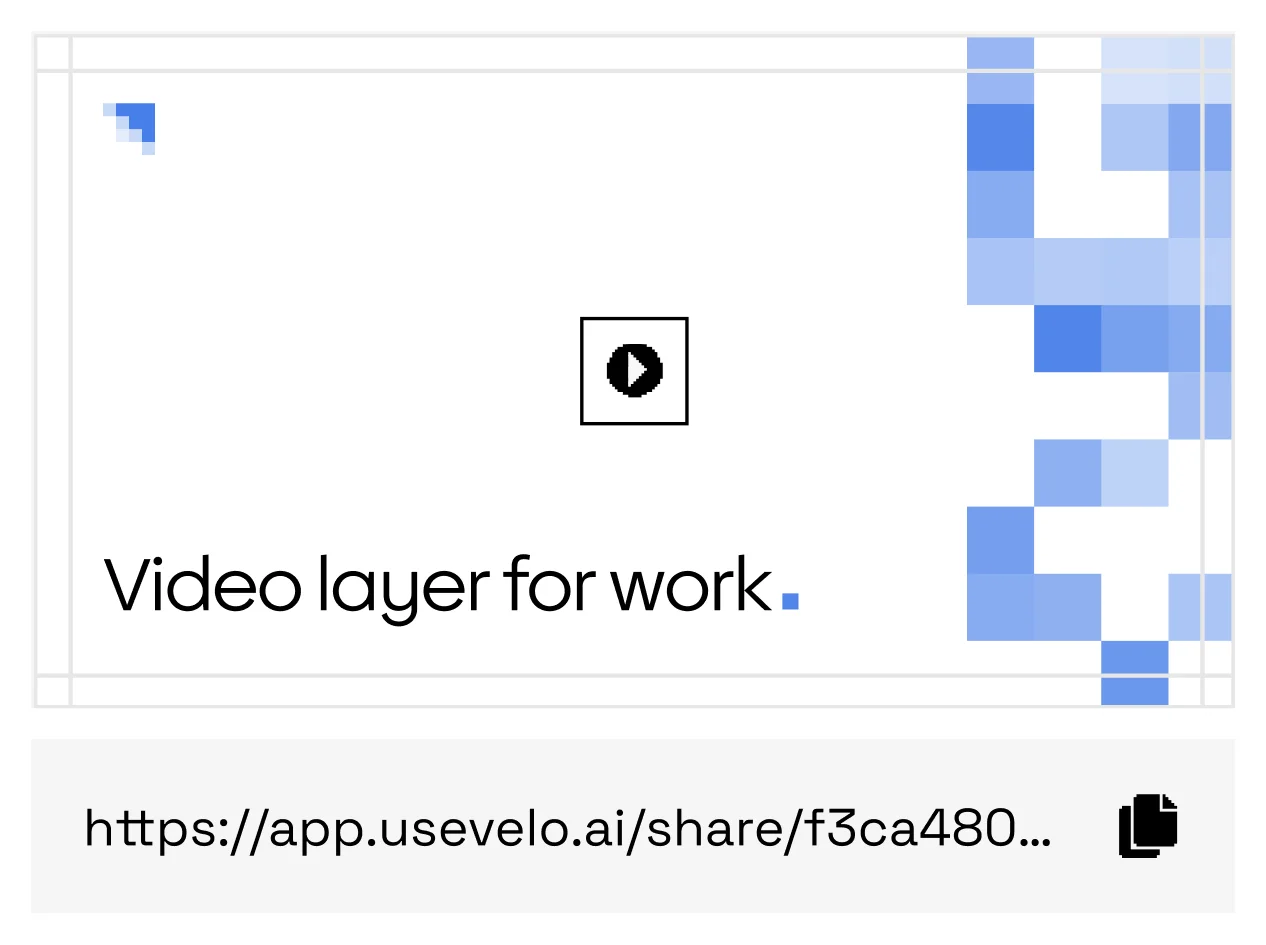
Publish with captions
Ship the narrated video with captions and a transcript from one link.
For every take you’d rather not narrate
Silent recordings
Give voiceless captures a script and a professional read.
Sales walkthroughs
Send narrated demos without booking a quiet room.
Training
Turn recorded procedure runs into guided lessons.
Global support
Pair narration with captions for every audience.
Fast script edits
Update a sentence without recording the full voiceover again.
Brand consistency
Keep tone, terminology, and pronunciation rules in the workspace.
Other tools need your voice. Momo writes and speaks for you.
Move from silent capture to finished explanation without booking a recording session — script, voice, timing, and captions included.
FAQs
Can I use my own voice?+
Yes, when the speaker has provided the required consent for a custom voice profile.
Can I control pronunciation?+
Workspace dictionaries can preserve product names, acronyms, and preferred terminology.