

Your product ships a new UI
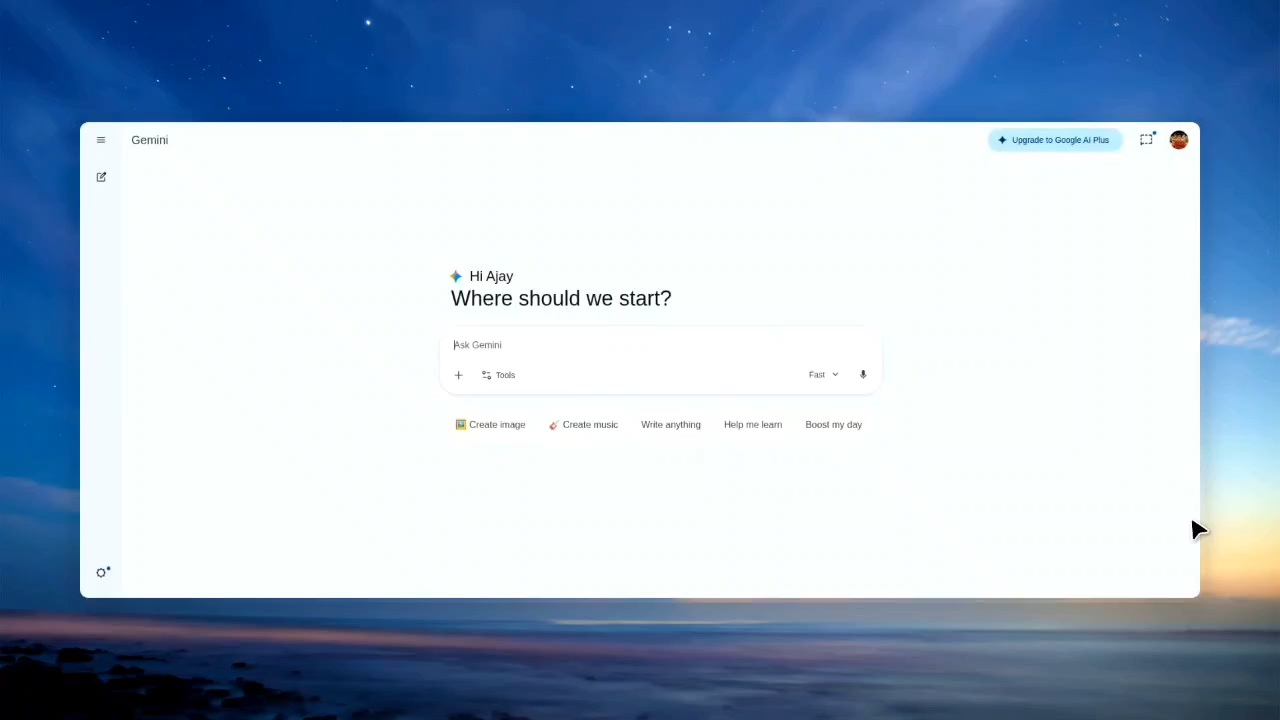
When your UI or features change, Momo’s browser agent re-records the affected demos so every walkthrough stays accurate.










Your product ships a new UI
Affected demos re-record themselves
Momo records the approved product route and the intent behind each scene.
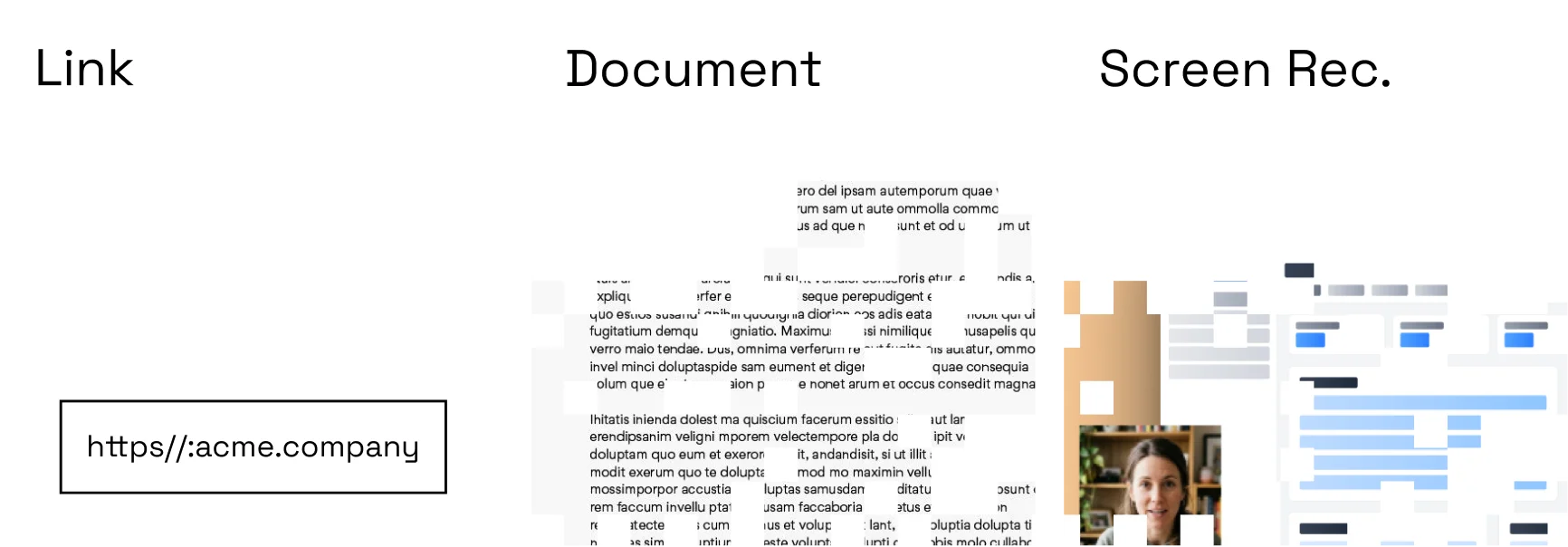
Compare the current experience with the last published version.
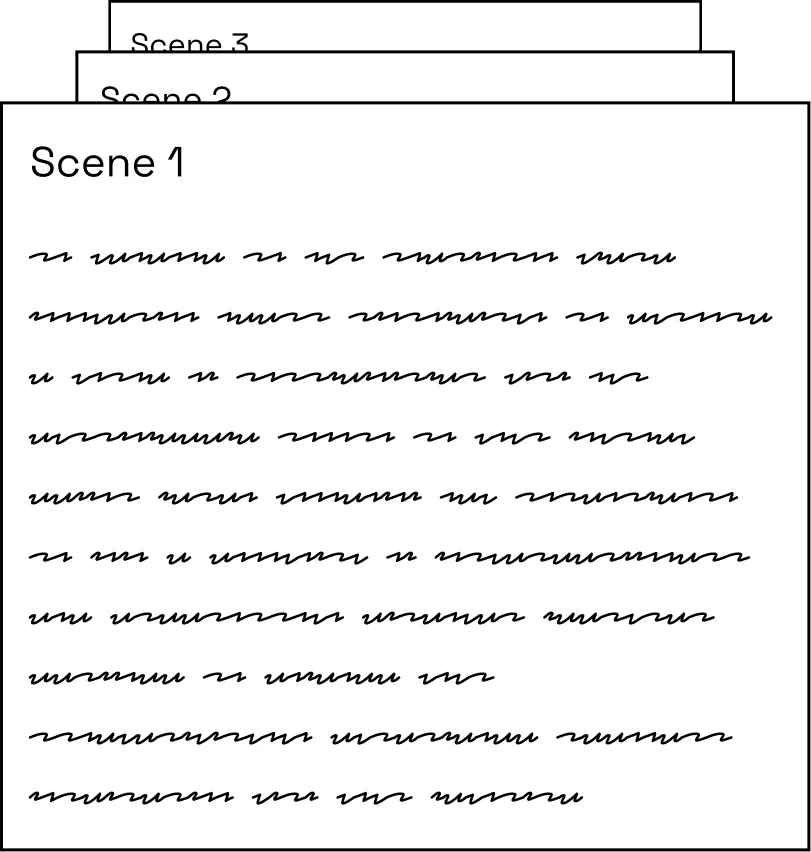
Rebuild changed scenes, review the diff, and publish the new version.
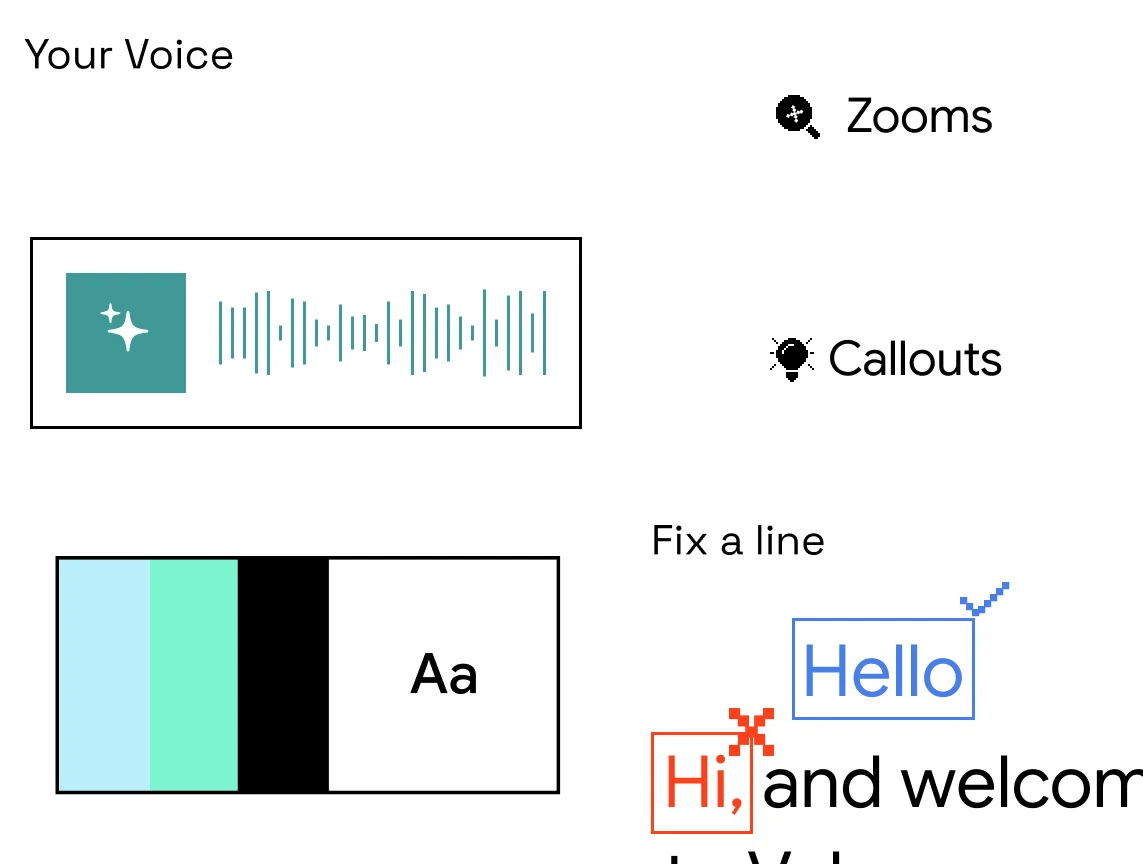
The approved refresh replaces the old version without breaking distribution.
Flagship walkthroughs stay accurate release after release.
Embedded videos match the current UI, not last quarter’s.
New customers always see the product they actually got.
Required material reflects the workflow as it exists today.
Replace a changed step without touching the rest of the story.
Keep a record of what changed and which source produced each version.
Most demos age the day you ship. Momo’s stay current.
Treat every demo as a maintainable company asset: Momo re-records affected scenes on the live product and publishes a reviewed version behind the same stable link.
Only if you configure that policy. Draft review can remain mandatory for every update.
Yes. A stable library link can point to the latest approved version.