

A trigger fires in your stack — signup, deal stage, resolved ticket.
Workflow-triggered videos
Videos that send themselves.
Connect Momo to your CRM, support desk, or product. When an event fires, a personalized video is generated and sent automatically.










A personalized video, generated and sent
From event to delivered video, without a producer
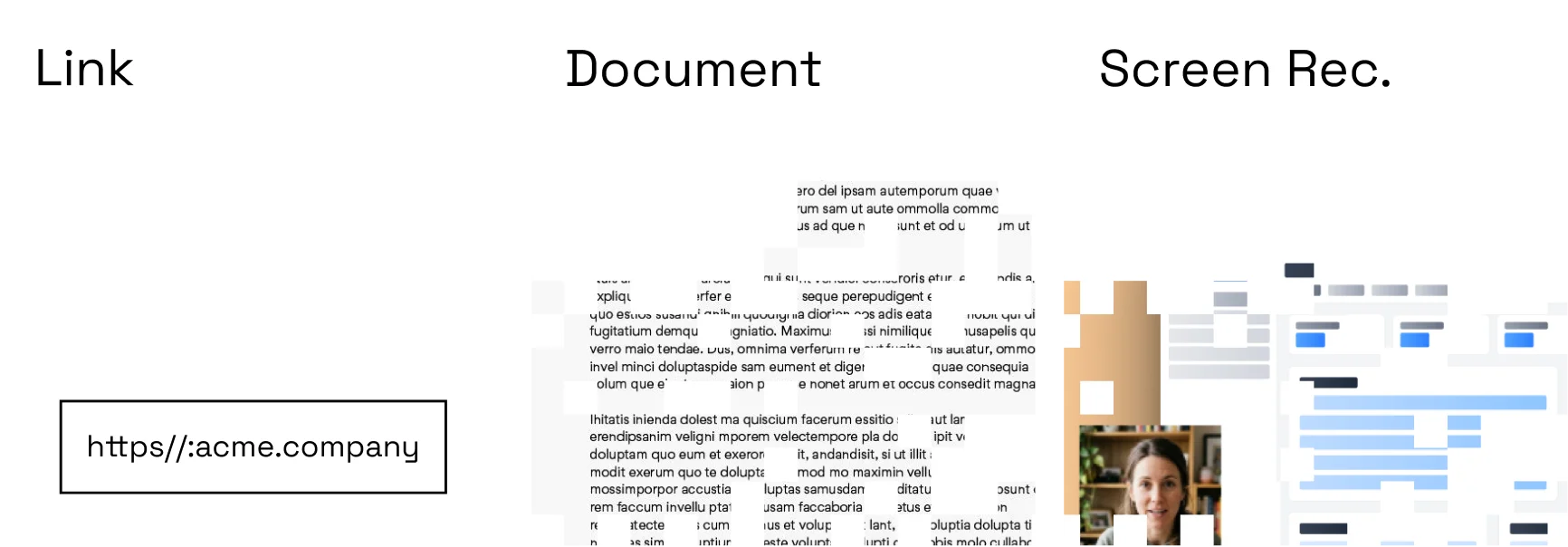
Choose a trigger
Start from a release, resolved ticket, updated article, CRM stage, or API event.
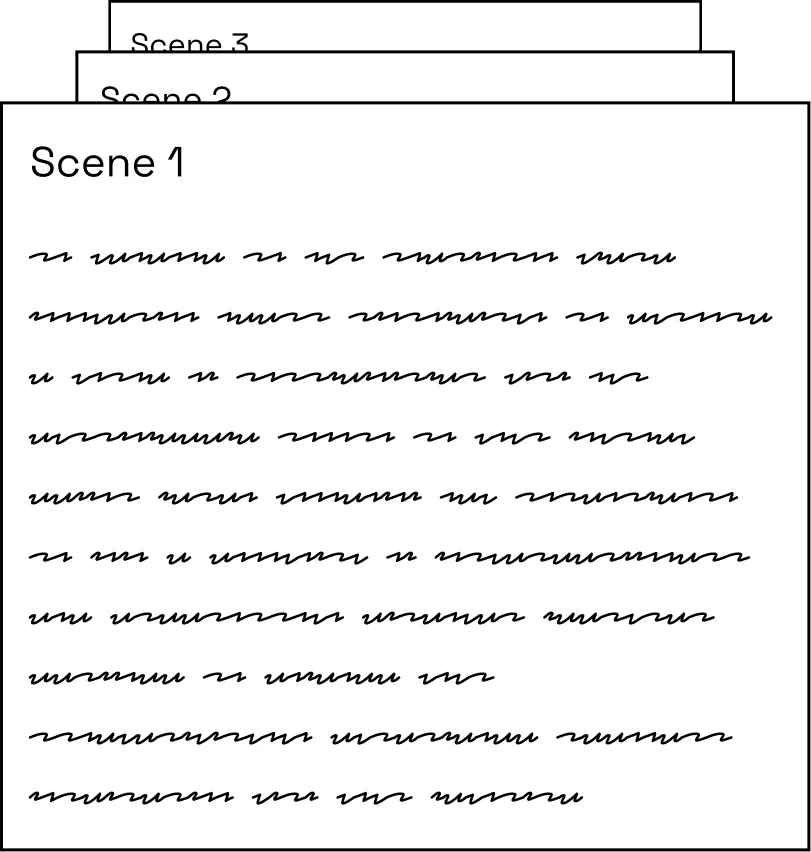
Map approved context
Define which fields, documents, screenshots, and brand rules the workflow may use.
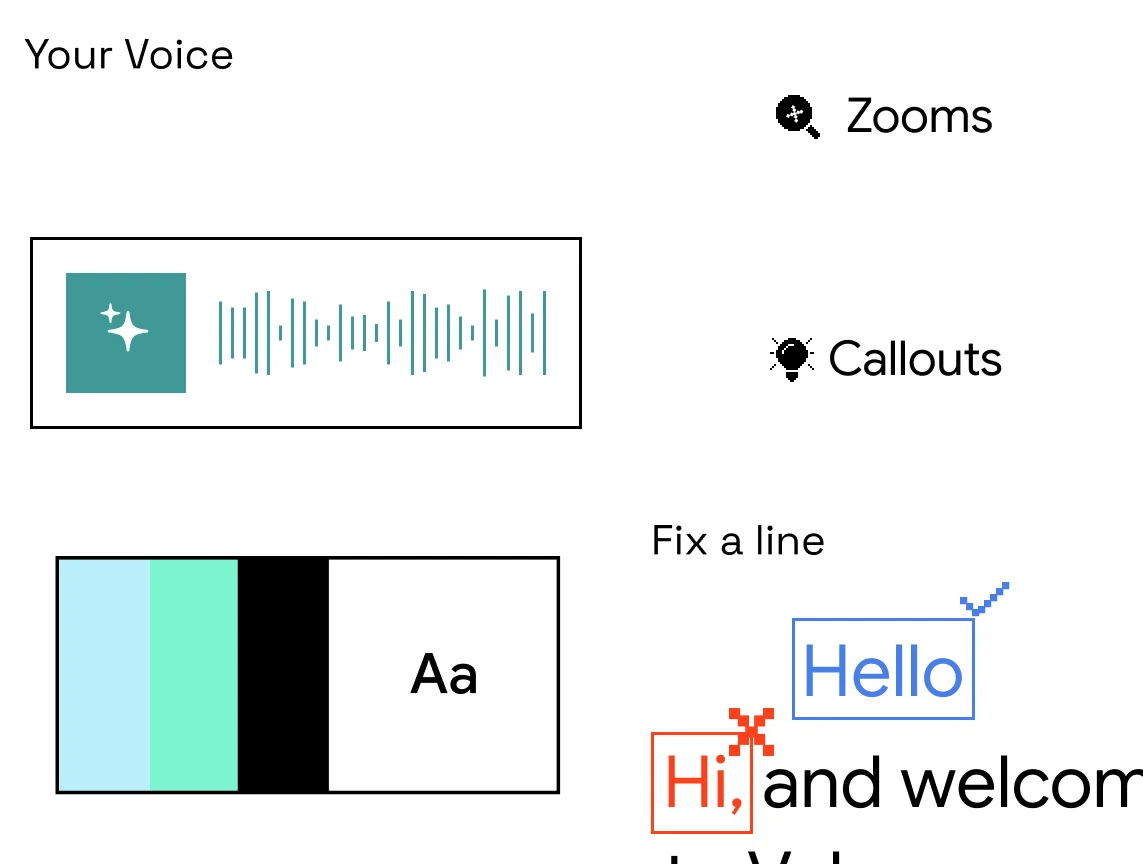
Review or deliver
Send each result for approval or publish automatically when your policy allows it.
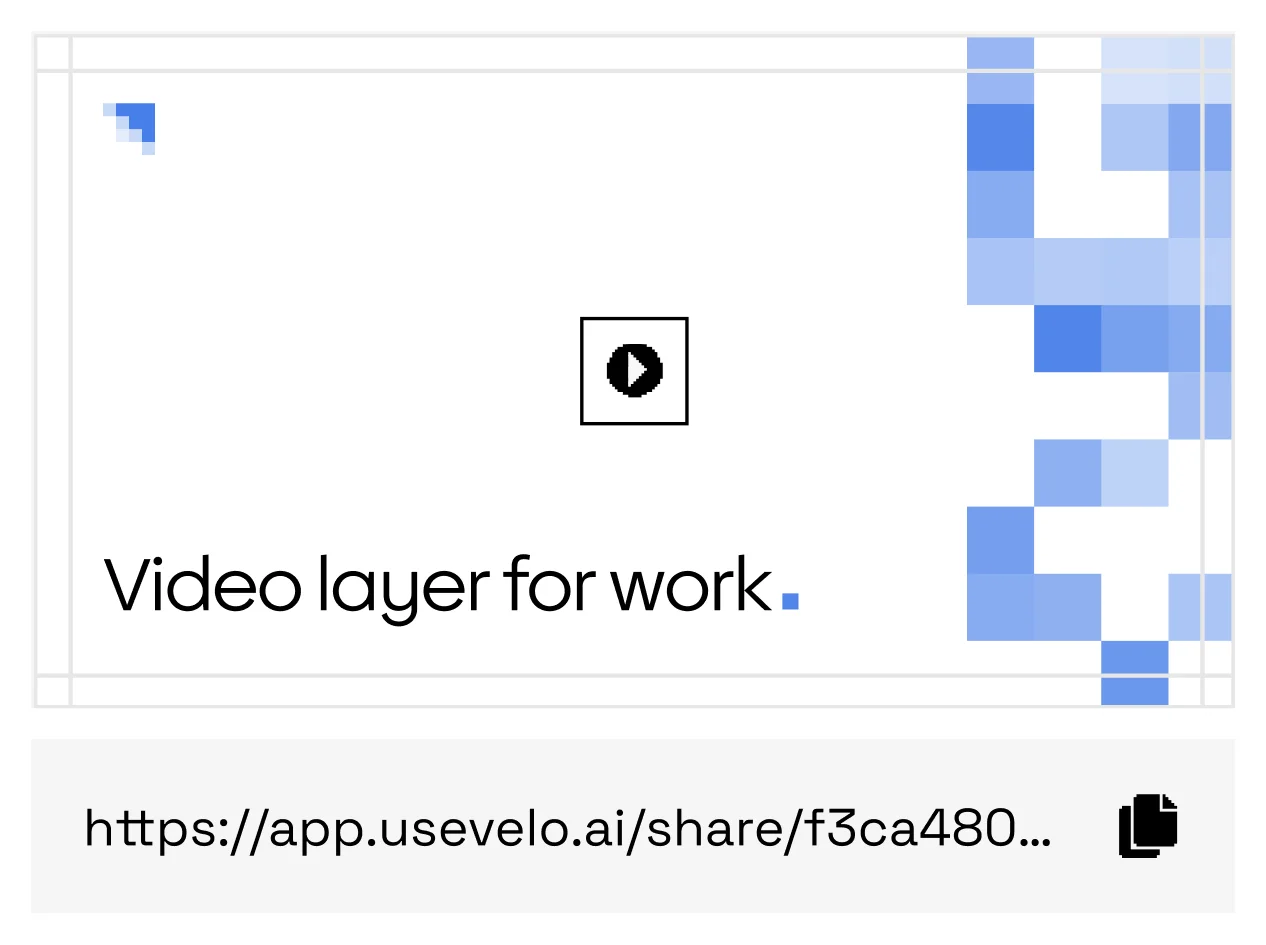
Track every send
See which workflow produced each video, and its status, from one operational history.
Workflows worth putting on video autopilot
Changelog videos
Every release event ships with its own explainer.
Ticket responses
Resolved tickets close with a personalized walkthrough.
Sales follow-ups
CRM stage changes trigger a tailored recap video.
Policy updates
Publish an approved briefing whenever the source policy changes.
Repeatable recipes
Use one controlled video process across hundreds of events.
Human checkpoints
Require an owner to approve high-impact videos before release.
Other tools wait for a producer. Momo answers the trigger.
Make video a dependable output of the systems your team already uses — wire up the trigger once and every qualifying event can produce a reviewed, personalized video.
FAQs
Can workflows require approval?+
Yes. A workflow can stop at a draft, request review, or publish only after approval.
Is there an API?+
Momo provides API and webhook patterns for creating jobs and receiving status updates.