#1 Product of the day · Momo 3.0
AI video infrastructure to explain, train, and sell faster.
Create product demos, explainers, training videos, and support replies from your first product launch to every customer touchpoint.










Everything your team needs to turn work into video.
Momo gives teams and agents one system to create, edit, update, translate, host, and measure work videos. Every output stays grounded in your company context.
Turn docs, product pages, screenshots, and notes into structured videos with narration, visuals, and clear sequencing.
Try for FreeFlexible infrastructure for every video workflow.
Use Momo as a product surface, a team workspace, or an API layer. Build videos from context, keep them current, and distribute them with control.
Agentic Screen Recorder↗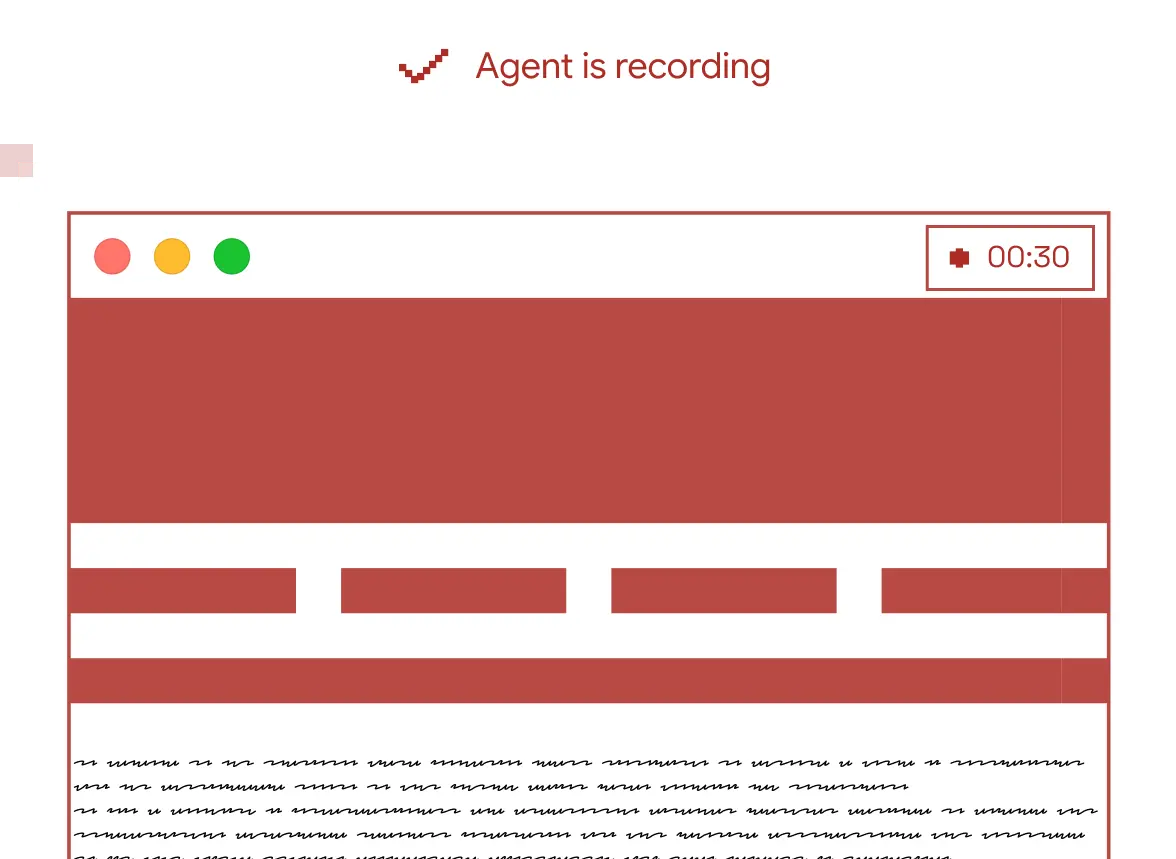
Always on-brand Voice Clone
Teams and Collaboration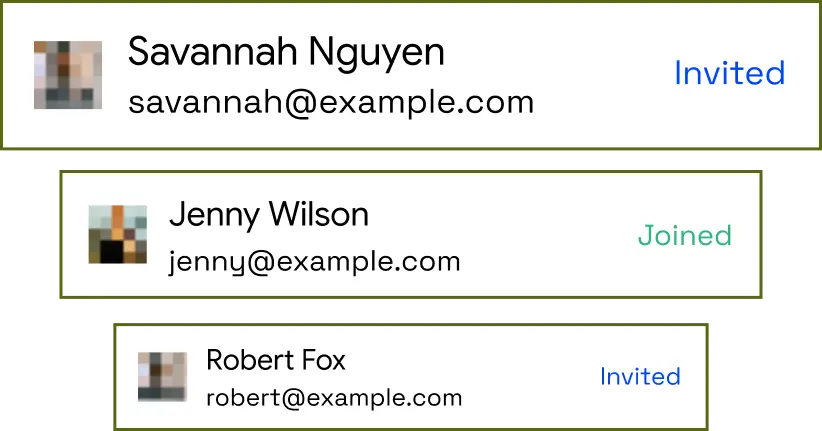
1 Click translation↗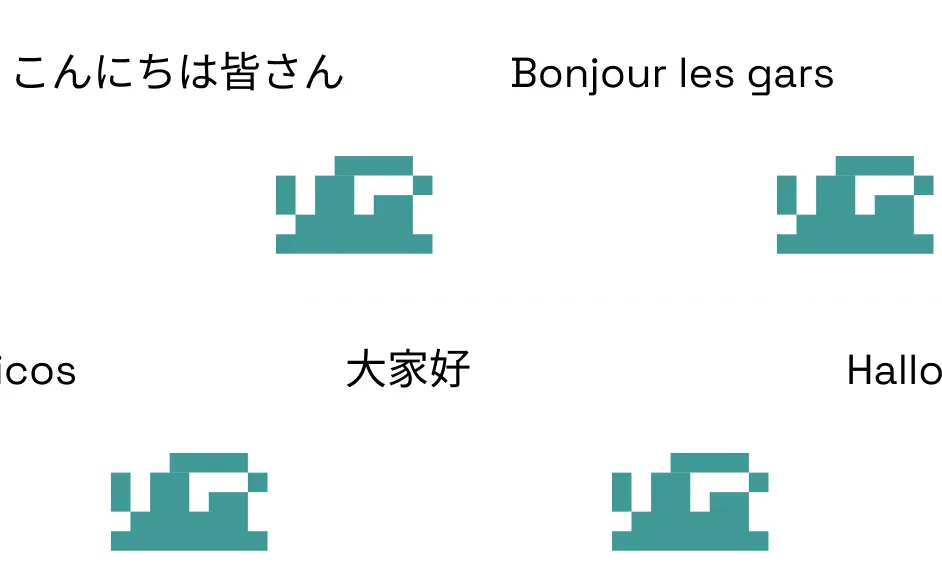
AI Video Agent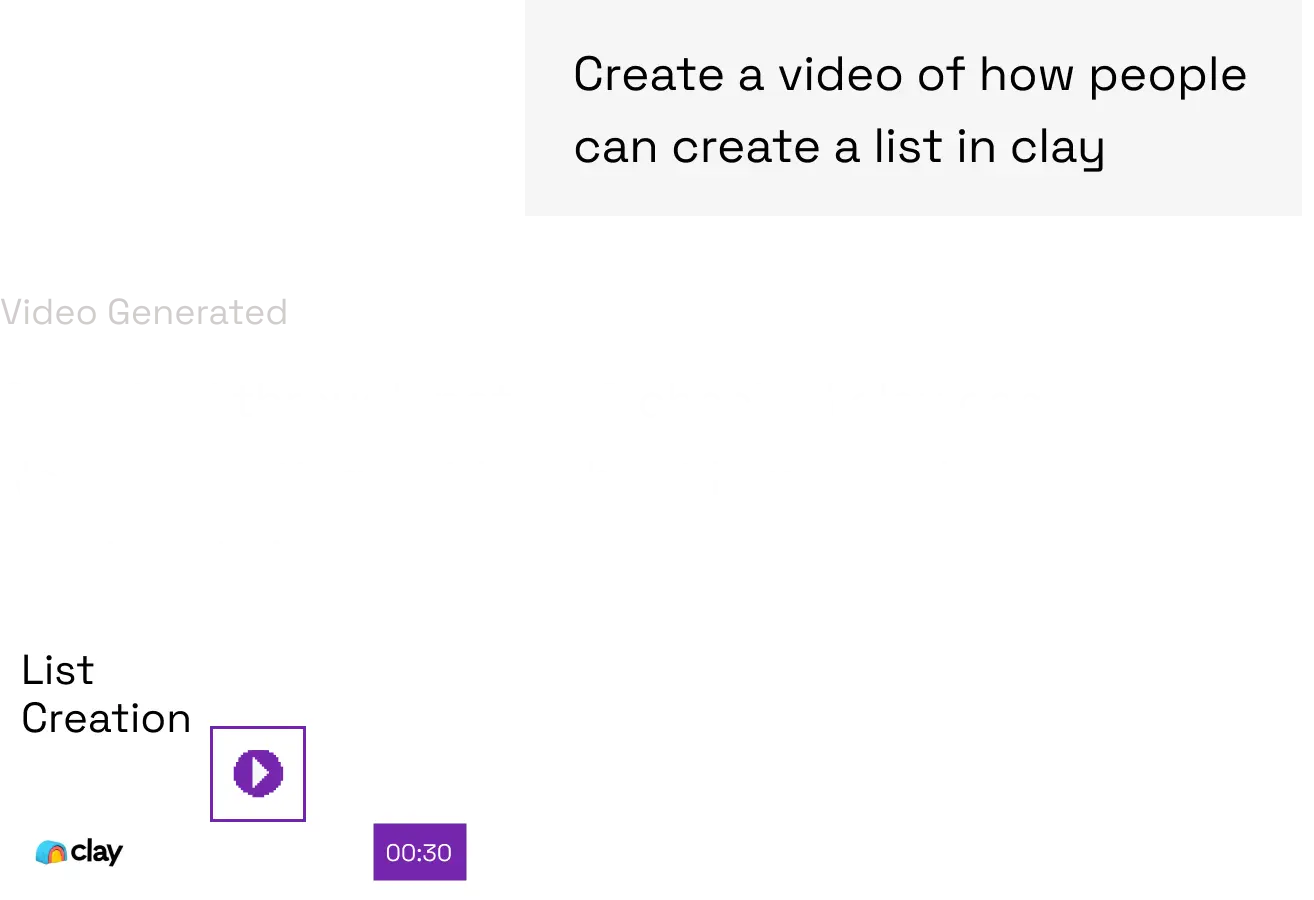
Whatever your team needs to explain, Momo gives it structure.
Momo turns repeated explanations into reliable video systems.

Turn tickets, help center articles, and product context into personalized support videos that show customers exactly what to do next.
Try for FreeTrusted workflows for teams turning knowledge into video.
Build repeatable systems that reduce recording work, keep videos current, and scale clear explanations.





90%Reduction in video creation time
75%Fewer inbound tickets
36Hours saved per month per person
100%User training satisfaction rate
Create compliant, on-brand videos in your company’s language.
Momo gives enterprise teams controls for access, brand rules, hosting, analytics, translation, and compliance.

Built for teams that need structure, security, and scale.
Momo gives companies the infrastructure to create, govern, distribute, and measure video across departments and workflows.

Team Workspaces
↗
Shared Billing
↗
SSO
↗
RBAC
↗
Shared Library
↗
Content Governance
↗
Content Hub
↗
Brand Consistency
↗Library Links
↗
Access Controls
↗
Centralized Assets
↗
Enterprise Compliant
↗
Viewer Tracking
↗
Multi-lingual Outputs
↗
SCORM Export
↗
SAML
↗
Public & Private Share Pages
↗
SCIM
↗
Data Residency
↗
Editor Collaboration
↗FAQs
Everything to know about the video layer for work.
What is Momo?+
Momo is AI video infrastructure for work. It turns company context and workflow intent into clear product demos, support answers, onboarding, and training videos.
How is Momo different from a traditional editor?+
A traditional editor starts after footage exists. Momo can begin with a document, URL, workflow, or guided product path, then create, update, localize, host, and measure the result.
Can our team collaborate?+
Yes. Momo organizes work in shared spaces with libraries, roles, brand rules, review states, and governed publishing.
Does Momo support multiple languages?+
Yes. Teams can localize scripts, narration, captions, and on-screen copy while preserving approved terminology.
Can Momo update an existing video?+
Yes. Source-aware projects can refresh changed scenes and publish a new approved version behind the same link.
What can I create with Momo?+
Teams use Momo for product demos, support explainers, onboarding, internal training, release videos, and personalized sales content.
Does Momo work with existing company knowledge?+
Yes. Momo can use approved documents, product pages, knowledge bases, screenshots, and workflow context as source material.
Is Momo built for enterprise use?+
Yes. Enterprise workspaces include access controls, shared assets, brand governance, secure hosting, localization, and analytics.
How do I make a product demo video?+
Start with a product workflow, source document, or guided brief. Momo structures the scenes, narration, captions, and visual sequence for review.
Can I create training videos with AI?+
Yes. Momo turns SOPs and internal knowledge into editable training videos that teams can review, localize, and keep current.