

Your docs, help center, and changelog
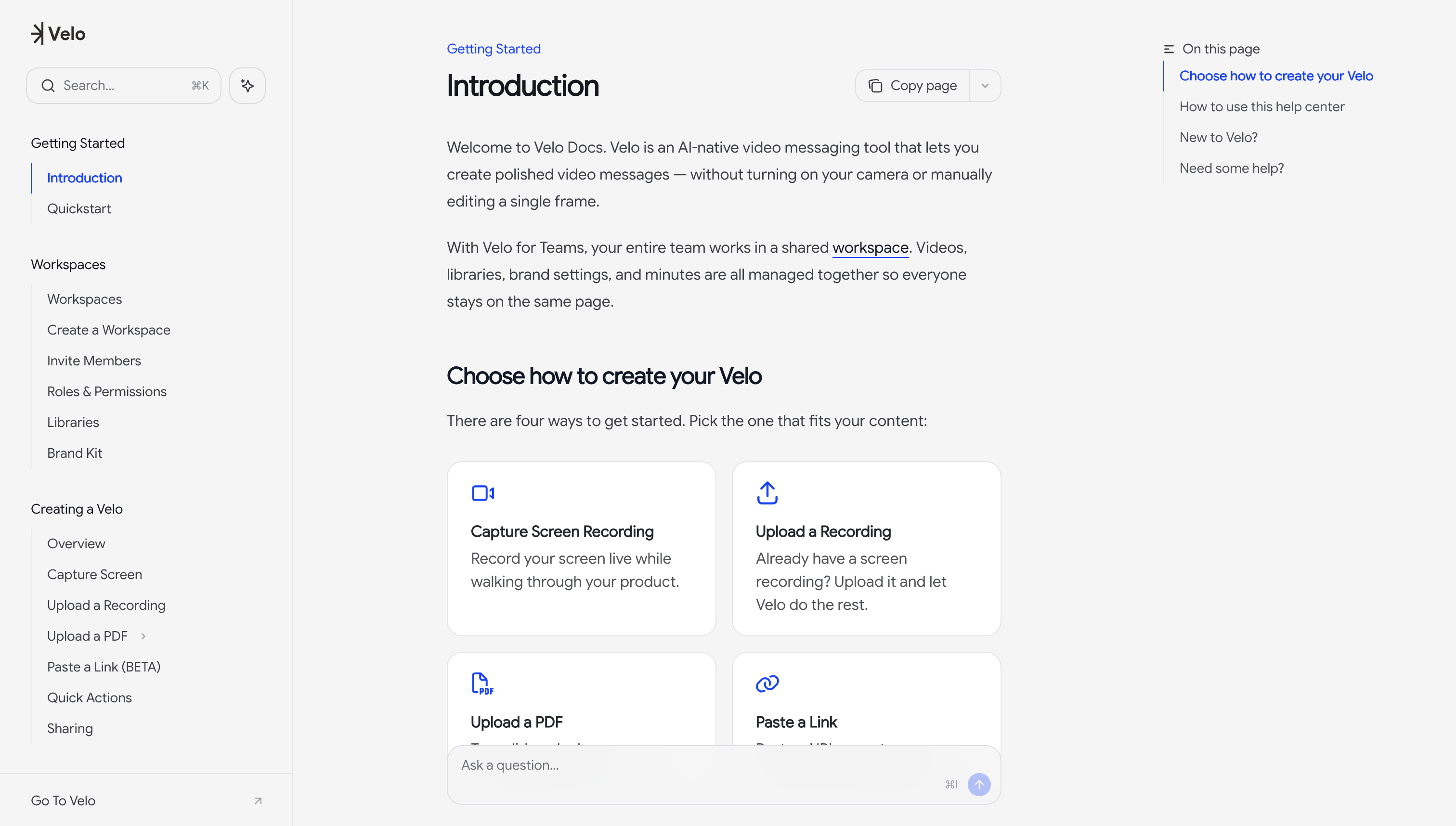
Connect your docs, help center, and changelog to Momo. Build videos from the latest content that answer the right question in context.










Your docs, help center, and changelog
Videos that answer in context
Choose the spaces, collections, or pages a Momo workspace may access.
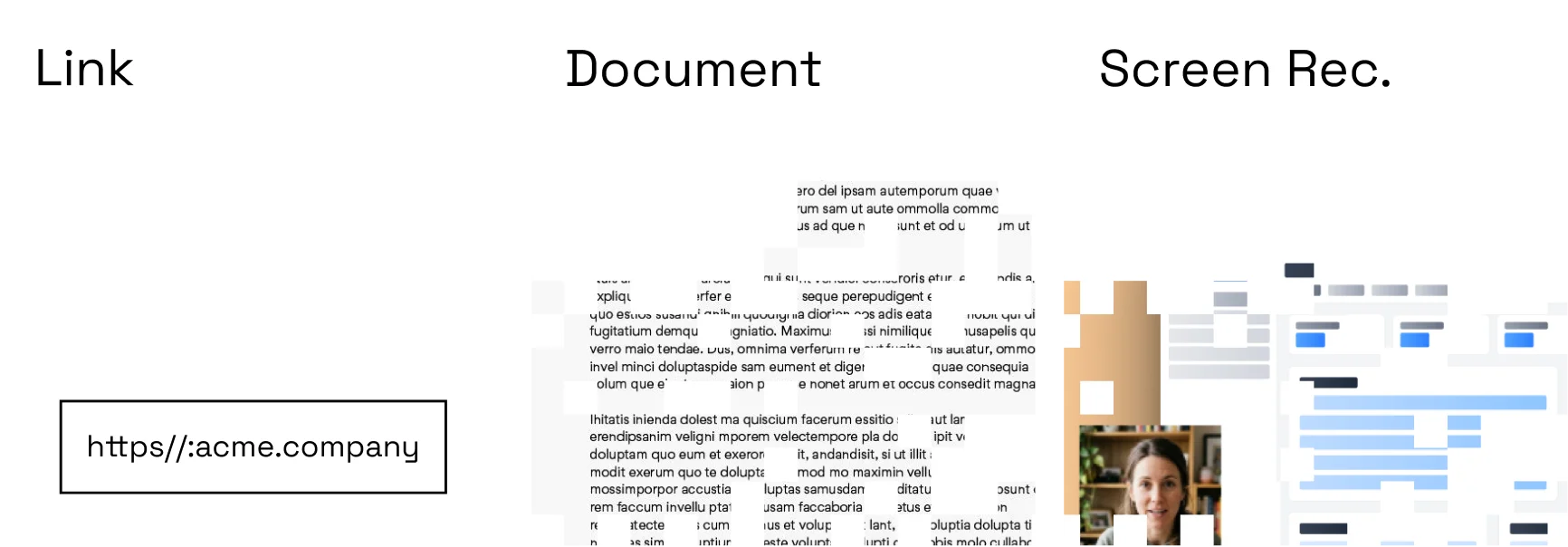
Attach the relevant articles and product artifacts to each video job.
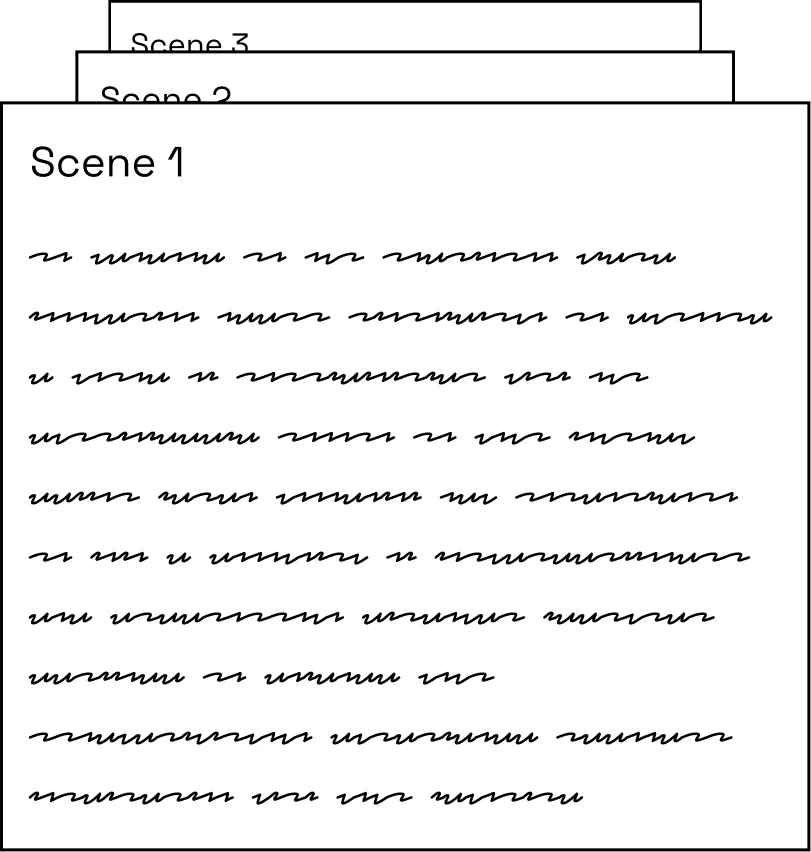
Review the source references and publish only after the context is correct.
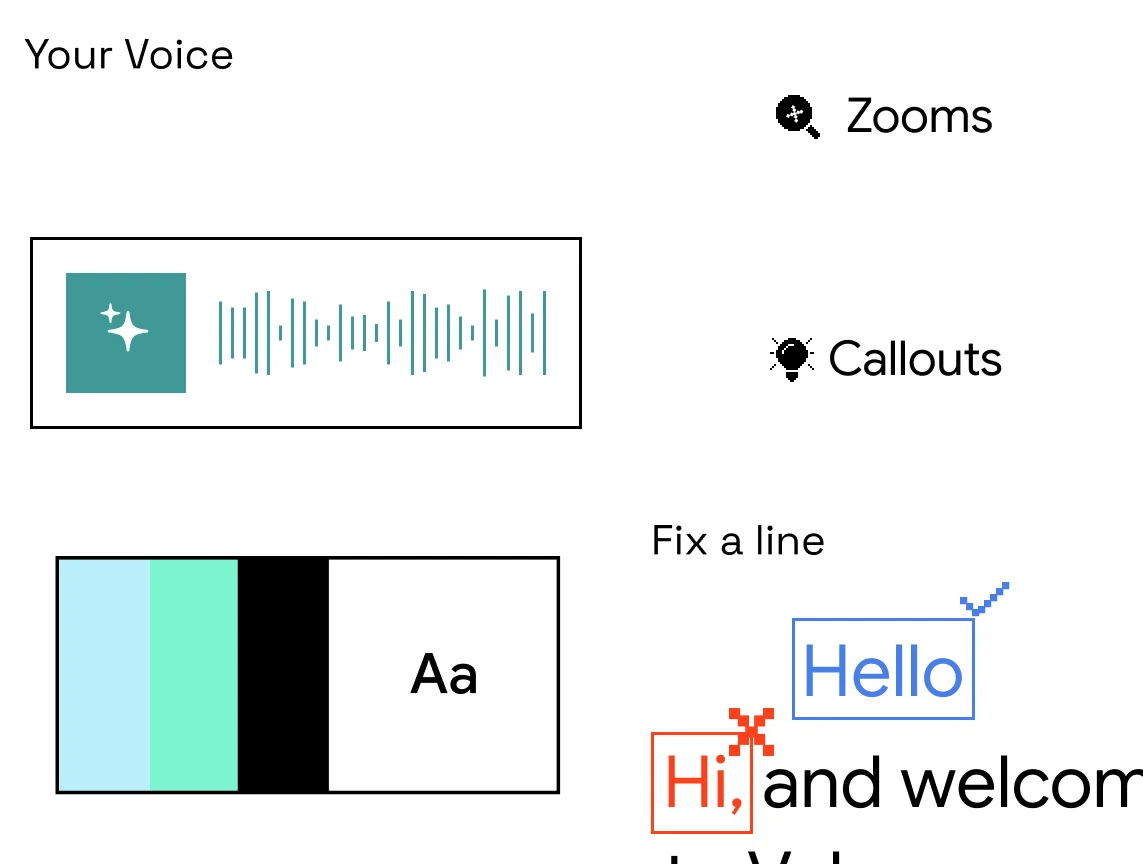
When the source article changes, rebuild the affected videos and re-review.
Turn top articles into videos that stay linked to the source.
Build training from the collections your team already trusts.
Procedures become watchable guides with traceable references.
Ship course content grounded in current documentation.
Limit connections to the teams and content that actually need them.
Keep an inspectable link from each output back to its knowledge.
Other tools copy your docs. Momo stays connected to them.
Bring source knowledge, permissions, and traceability into one video workflow, so every output keeps an inspectable link back to the content it teaches.
Workspace content is used to provide the requested service under your account controls, not to publish a shared knowledge base.
Yes. Connections and output libraries can be scoped to workspace roles.