

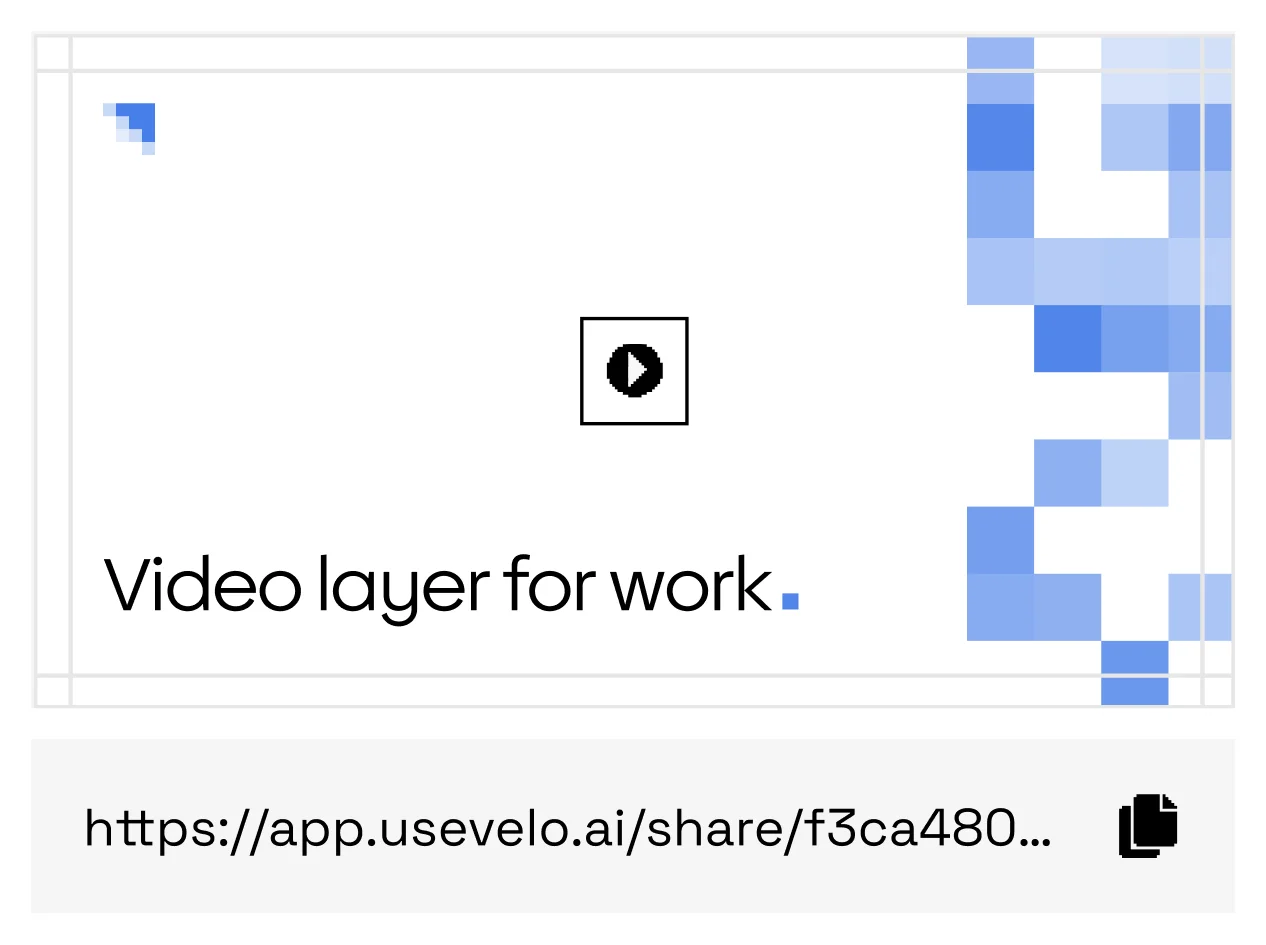
One shared Momo link.
Video analytics
See who watched your video, and how far they got.
Track who watched, how far they got, and the reactions they left. Review engagement by viewer and export results for your workflow.










Who watched, how far, and what they did next
From a shared link to decisions you can defend
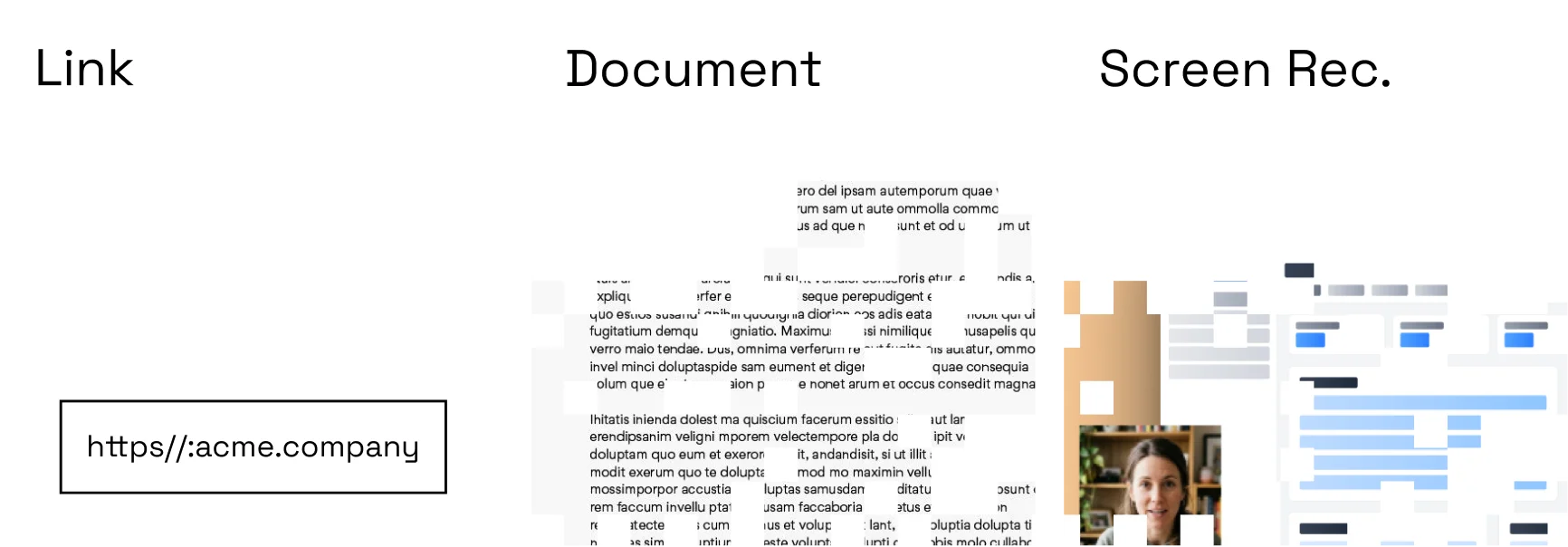
Publish with tracking
Use a Momo player link or approved embed.
Read the signal
Review plays, completion, attention, and calls to action.
Improve the asset
Update weak sections and compare performance over time.
Report and export
Send engagement summaries to the systems where decisions happen.
What the engagement data unlocks
Sales enablement
See which prospects watched, and how far they got.
Customer education
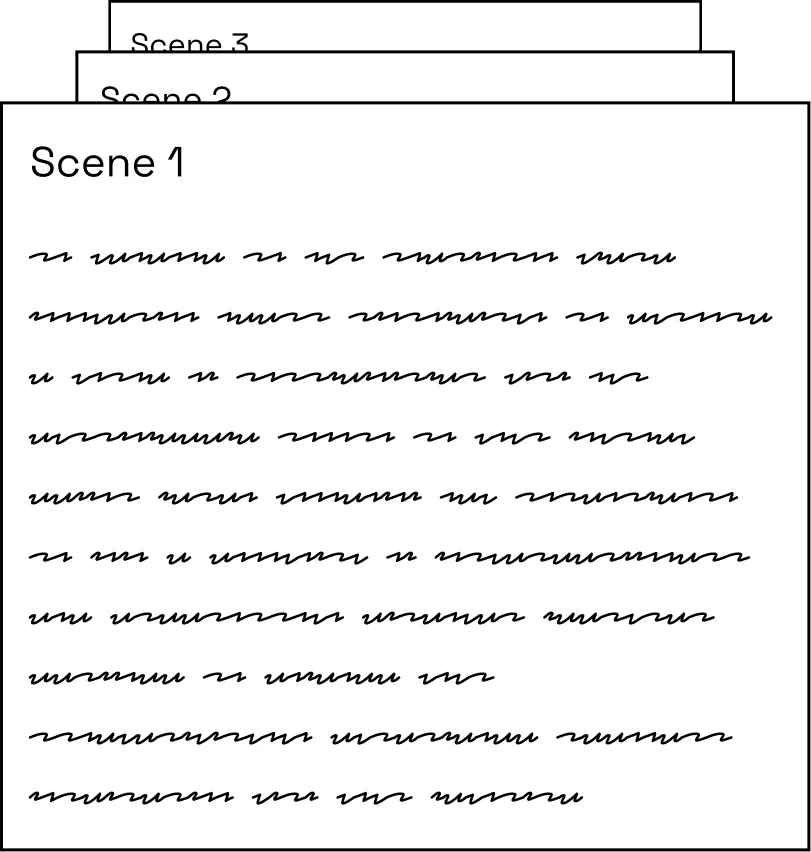
Find the moment viewers drop off and fix that scene.
Training
Confirm completion instead of assuming it.
Product launches
Compare launch videos on real engagement, not gut feel.
Engagement detail
Understand where viewers continue, replay, or leave.
Library reporting
Compare performance by team, use case, campaign, or collection.
Other players count views. Momo shows you who, and how far.
Connect production decisions to real viewer behavior: watch progress, drop-off, reactions, and exports for your operational systems — with viewer identification that matches your policy.
FAQs
Can I see completion rates?+
Yes. Video and library reporting can show plays, watch progress, and completion.
Can analytics be exported?+
Workspace reporting is designed for export and integration with operational systems.