Recording to course
One rough take becomes polished training.
Turn a screen recording, script, or SOP into a polished training video with a job aid and localized versions, then update it without a reshoot.










One rough take becomes polished training.
Every video ships with a written companion.
Edit the script; the video regenerates.
The same training for every region.
Training content is expensive to make and immediately perishable — one product update, one policy change, and the video is wrong.
Four steps. A video ready to send in minutes — no editing timeline, no video team.
 01
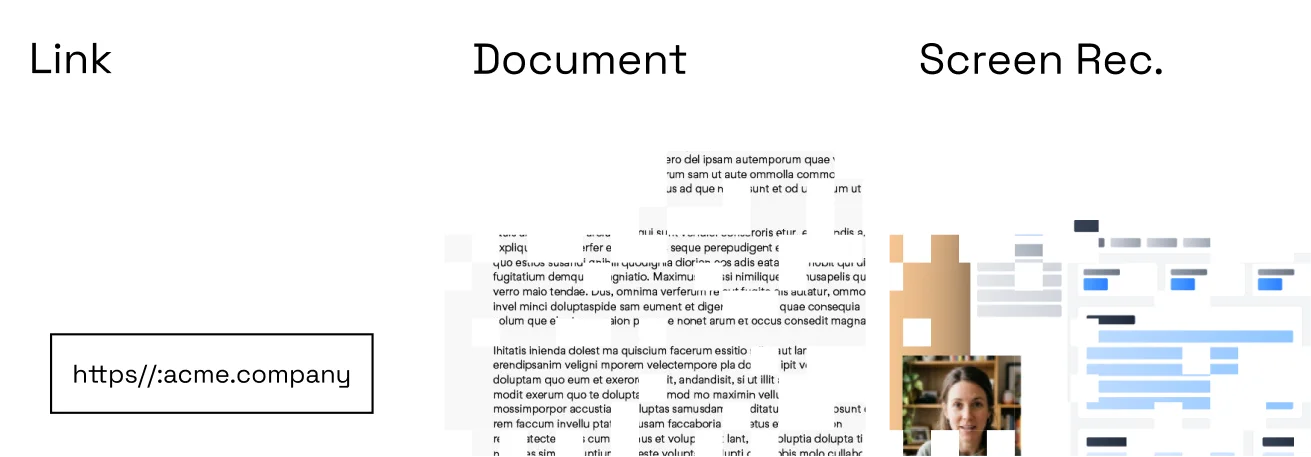
01Record your screen, paste a URL, upload a deck, or type the script and let Momo turn text into video.
 02
02Clone your voice once; every video is narrated in your voice — no filming, no re-records.
 03
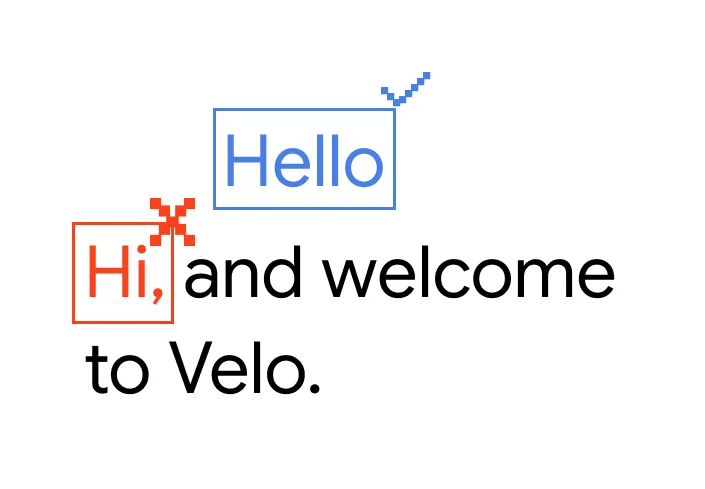
03Filler-word cuts, steadied cursor, zooms on key steps, captions, and brand styling applied automatically.
 04
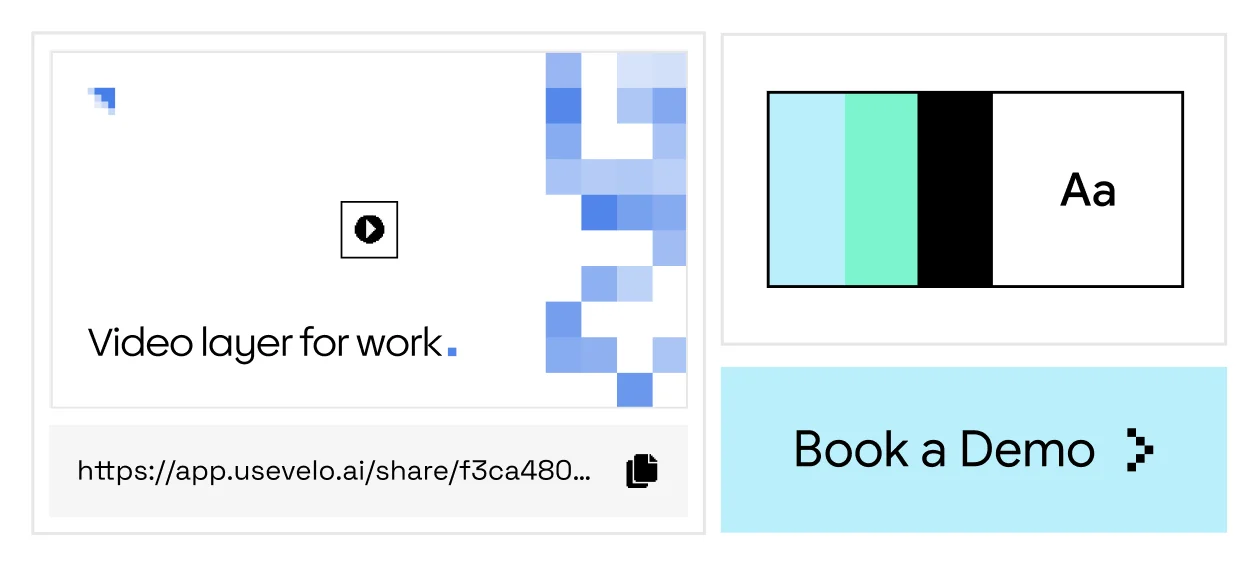
04Share a branded link in email, docs, or your help center — with a CTA and a written companion, in every language.
No recording yet? Type or describe the workflow — Momo writes the script, generates the video, and voices it in the language you choose.
Momo isn't a screen recorder you fix in post — it's the video layer that turns your knowledge into clear, reliable video, in your voice and your audience's language, kept current as things change.
Start from a screen recording, a document, a URL, or a typed script. Momo structures the content, writes the narration, and builds a polished video — no editing timeline required.
No. Clone your voice once and Momo narrates every video for you, or use a stock narration voice. There is no camera requirement.
Yes. Translate the script and regenerate the narration in any supported language — one source, localized versions.
Edit the script or the source material and regenerate. There is no re-recording or re-editing; the written companion updates with the video.
Yes. Every shared link includes viewer analytics, so you can see plays and watch-through on hosted videos.